
AI Agent
Layouts with editable elements
AI Agent creates slide layouts from your brief. Inspect and revise the content in the workspace before exporting.
Review layout and text in the exported file; individual elements may differ.FROM BRIEF TO SLIDES
Describe the presentation you need. Choose your settings, create a draft, then review the slides in your workspace before sharing.
Name the audience, purpose and confirmed facts. Add reference files only when you have permission to use them.
Choose the slide count, output language and rendering mode. Check the estimate before submitting.
Check facts and layout in the workspace. Revise the draft, then inspect the exported PowerPoint.
Workflow illustration, not a live generation task. The sample labels show an original plan; actual content and processing time vary.
Follow one fictional community garden handoff from its original brief to an actual five-slide PowerPoint file.
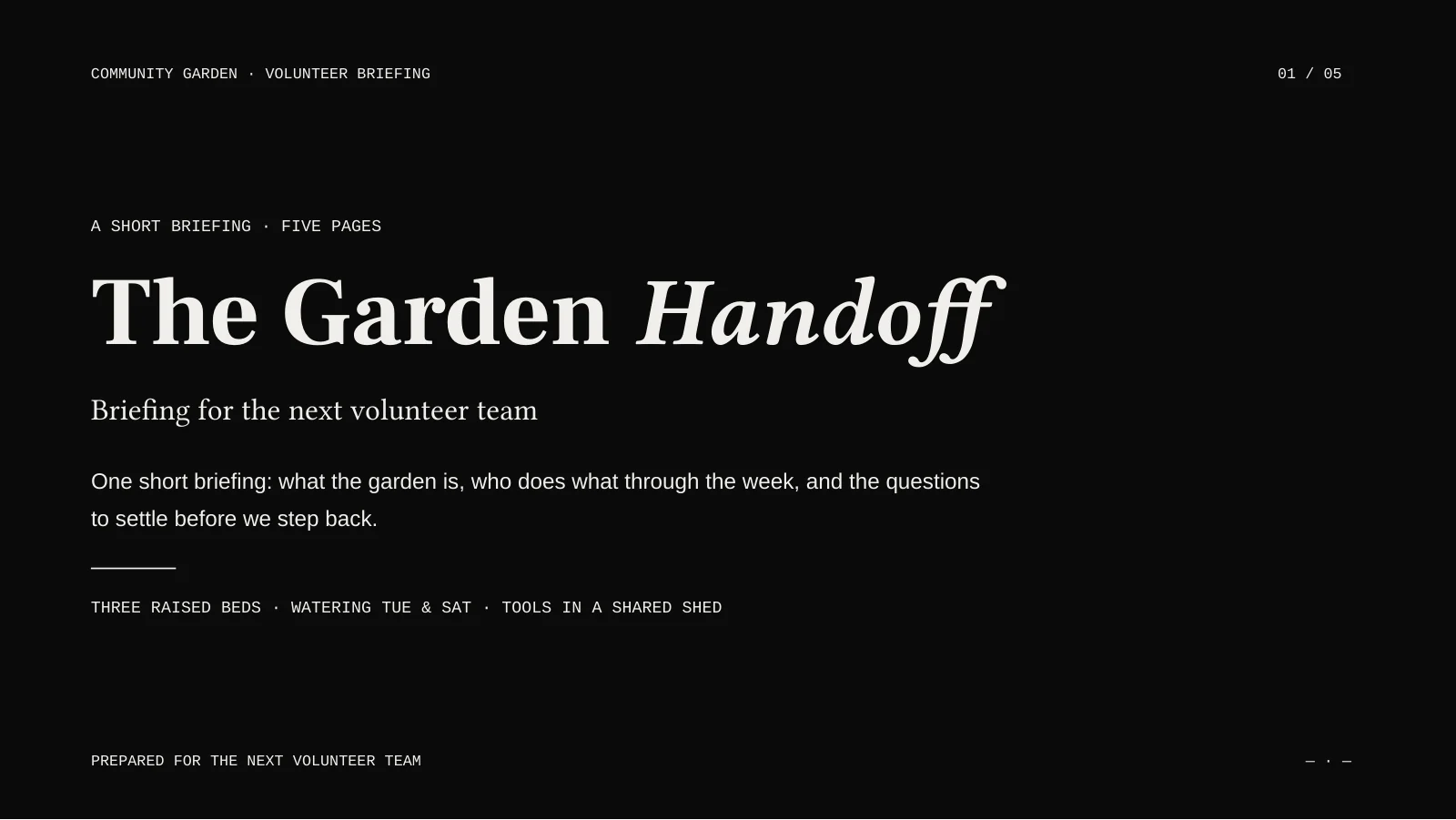
Review is part of this example. We shortened the subtitle and clarified the shed label in the editor. The proposed roles and next steps are suggestions for the volunteers to agree on, not extra source facts.
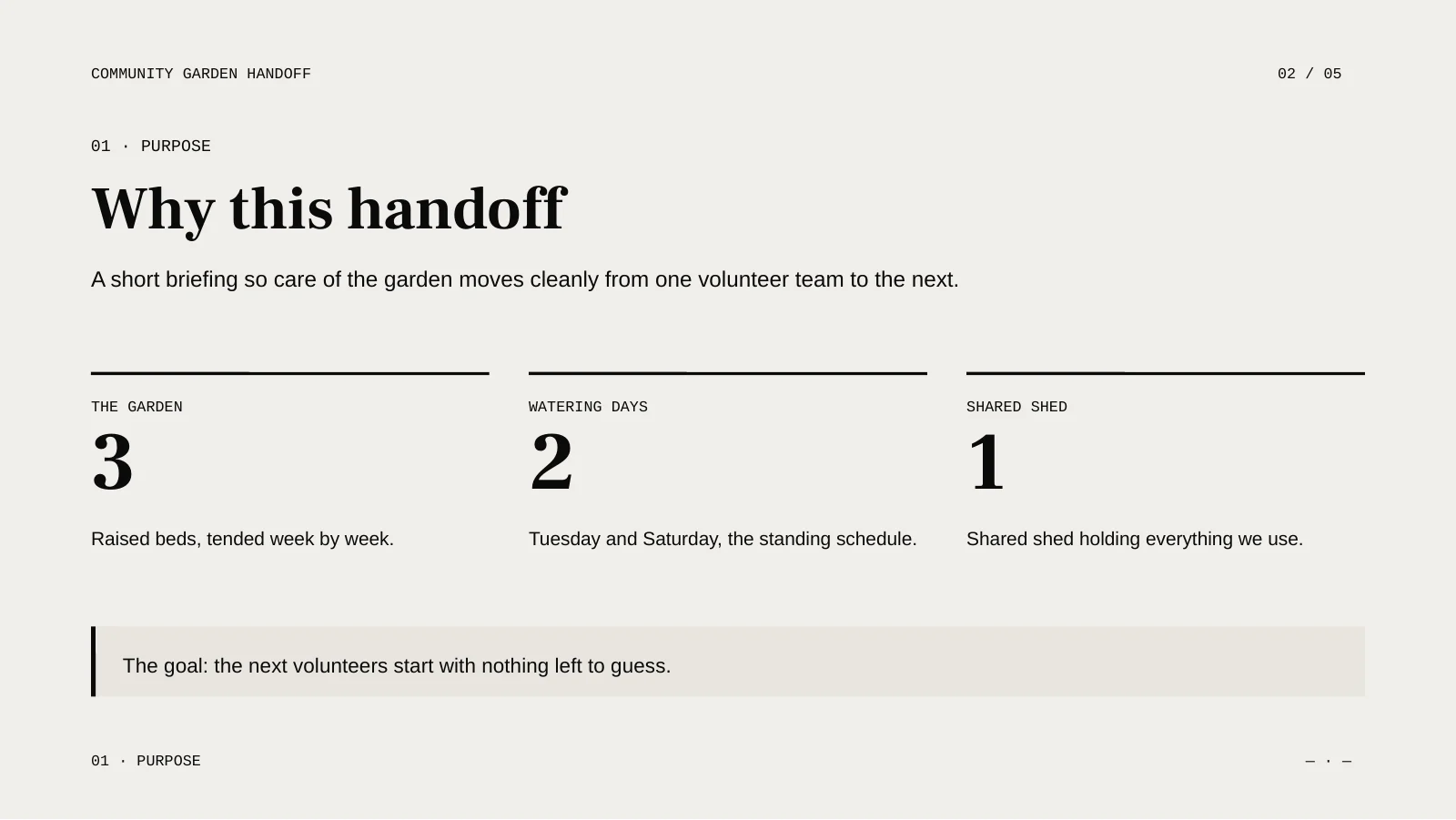
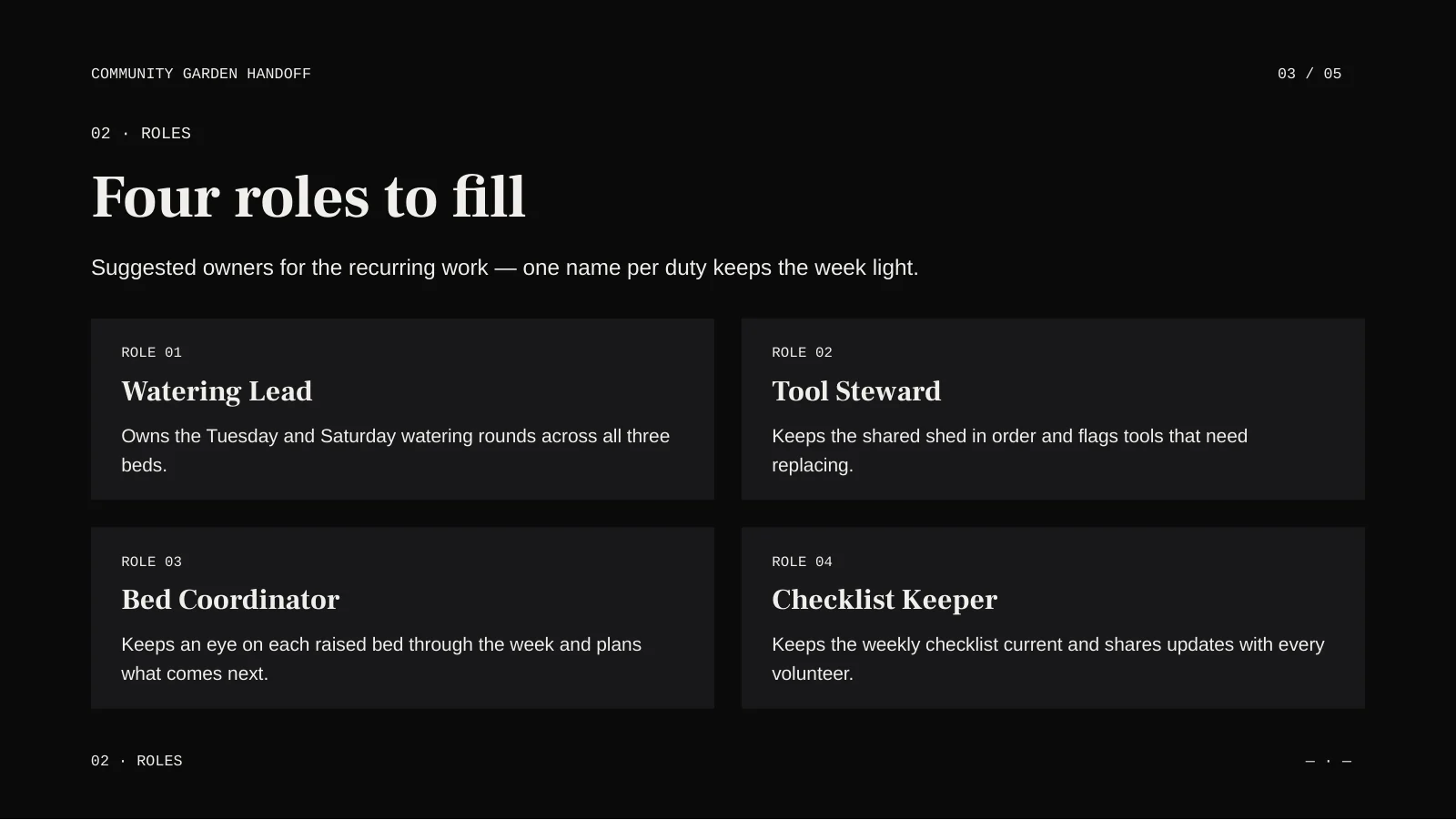
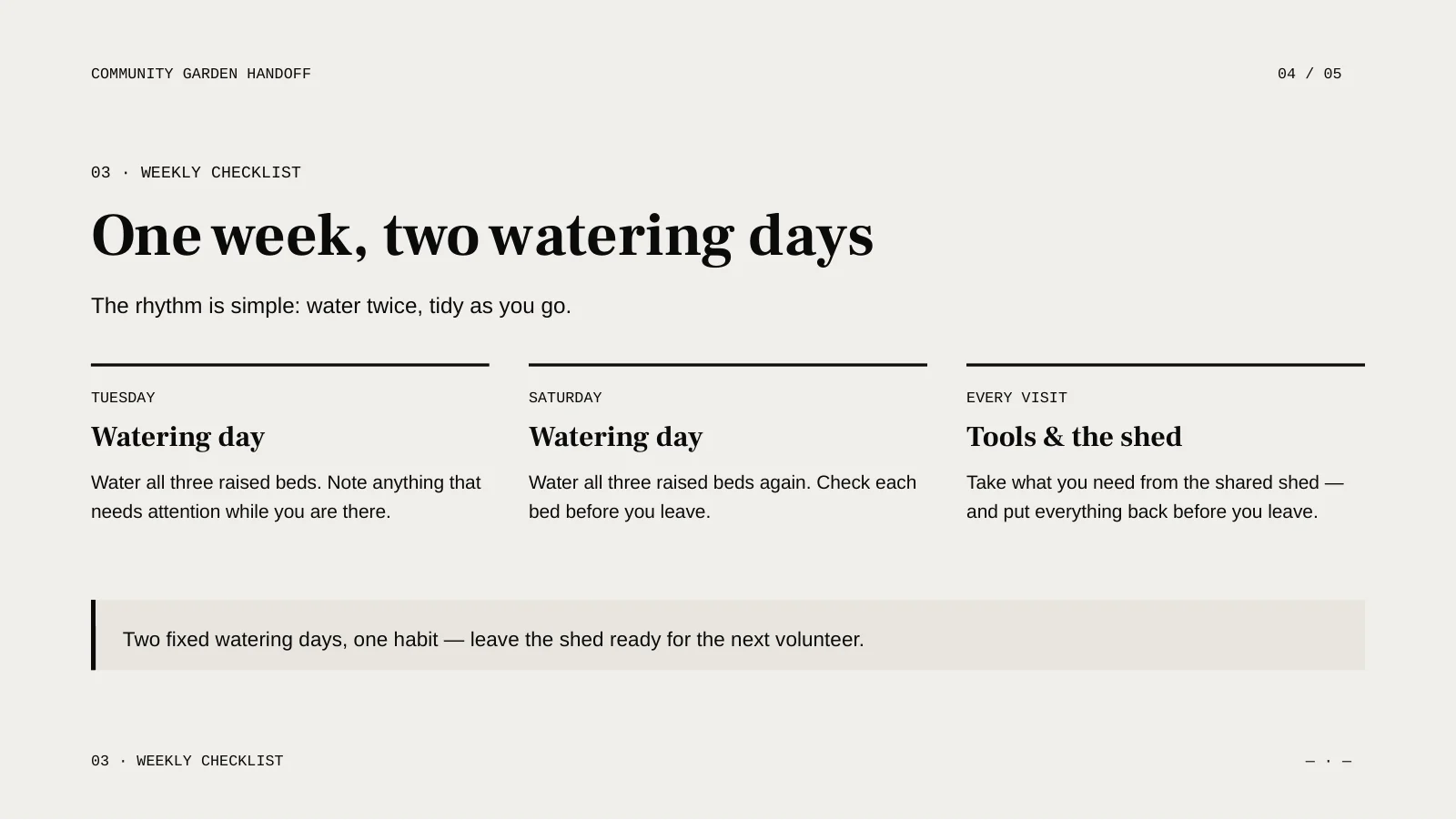
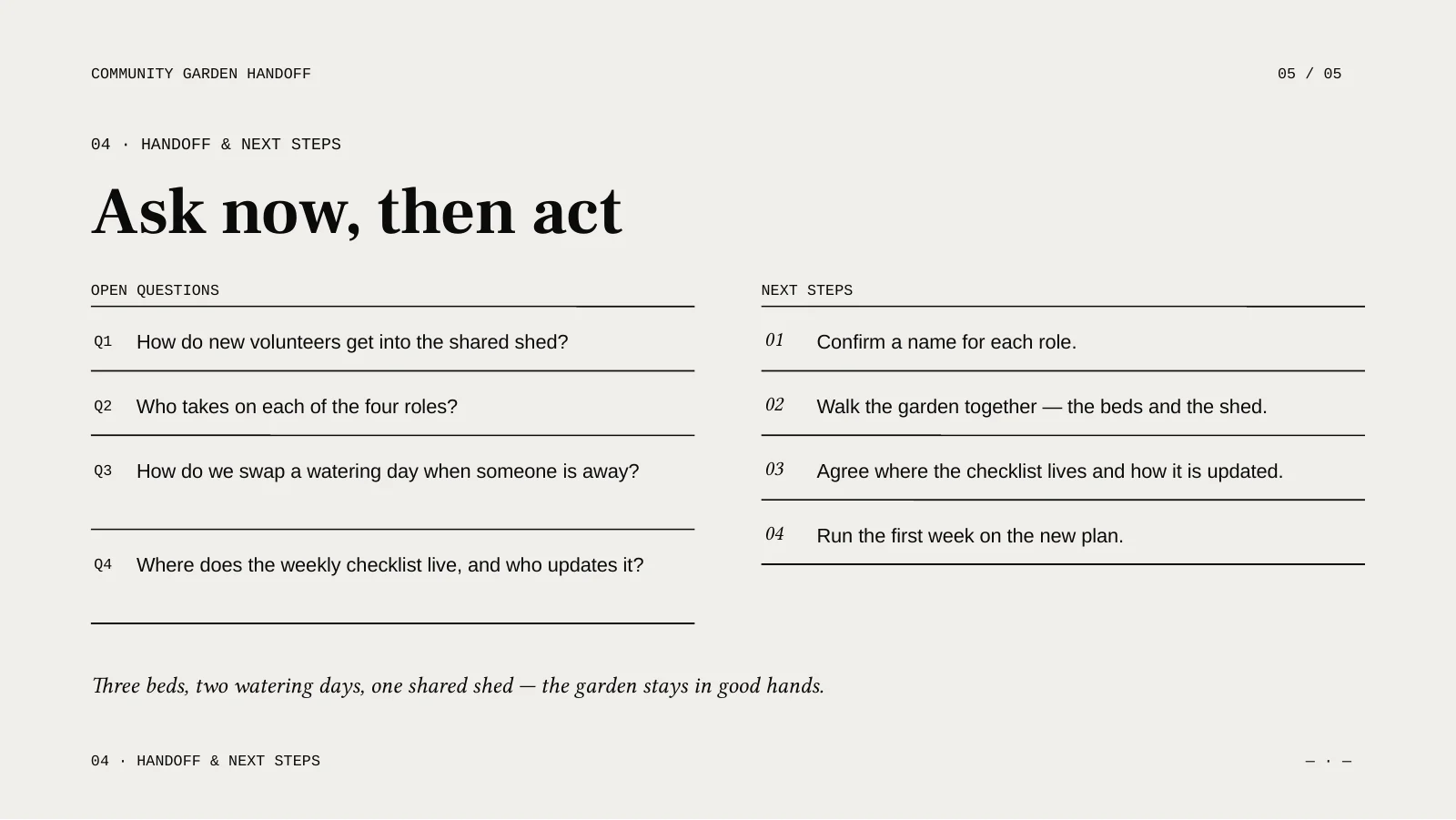
Original fictional example, reviewed and exported on 16 October 2026. The slides are in English; these images were rendered from the actual PPTX in LibreOffice. No customer data.
Two rendering modes produce different kinds of slides. Choose the mode before generation, then check the downloaded file.
AI Agent
AI Agent creates slide layouts from your brief. Inspect and revise the content in the workspace before exporting.
Review layout and text in the exported file; individual elements may differ.Nano Banana 2
Nano Banana 2 creates image slides. In the exported PPTX, each slide is a full-page picture.
The slide image can be resized, but its words are not separate text boxes.Diagrams illustrate the two output formats; they are not generated presentation samples.
Bring meeting notes, confirmed milestones and open questions. Ask for a short narrative for your team.
Draft to review: status, decisions and next actions.Provide the topic, learners’ prior knowledge and examples you are allowed to use.
Draft to review: explanation, activity and recap.Supply the offer, intended audience and evidence for your claims. Mark missing figures as placeholders.
Draft to review: problem, proposal and supporting evidence.Name your audience, purpose, slide structure and confirmed facts. Include source material you are allowed to upload. A precise brief gives you something concrete to review.
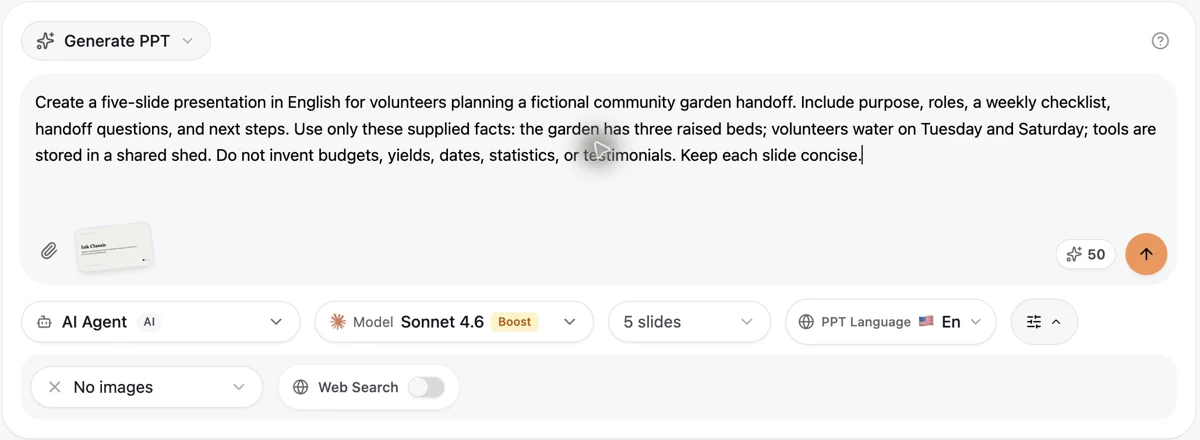
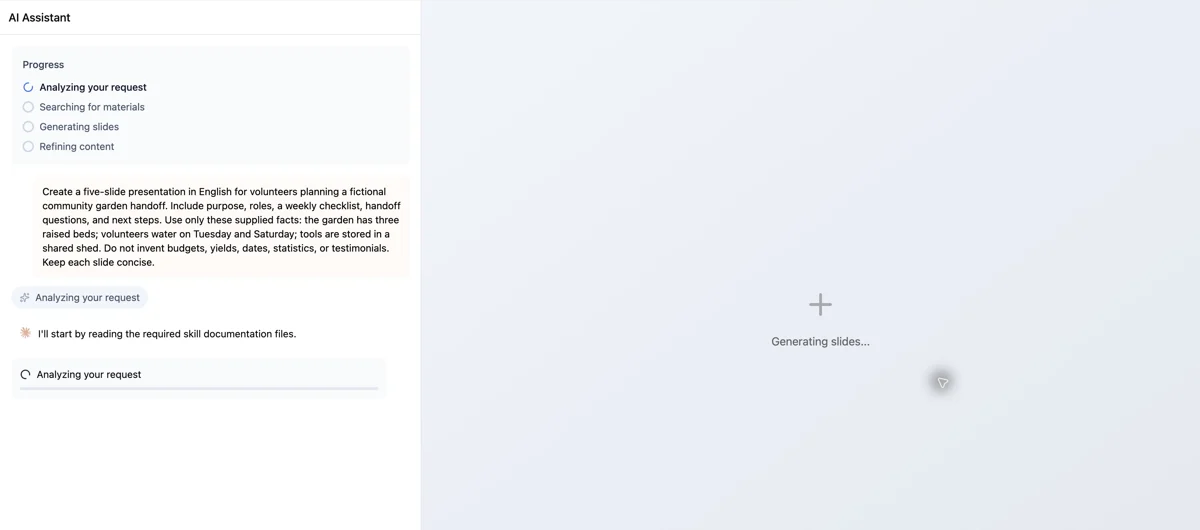
Submit once and keep the workspace open while the task runs. The progress panel and slide area show the task’s current state; processing time varies. Read the completed slides for factual errors, missing context, crowded text and layout problems. Revise individual slides before exporting.
Click the text you want to change, save it, then reload the workspace to confirm it was kept. This sample’s revised subtitle and shed label are also present in the downloaded PPTX.
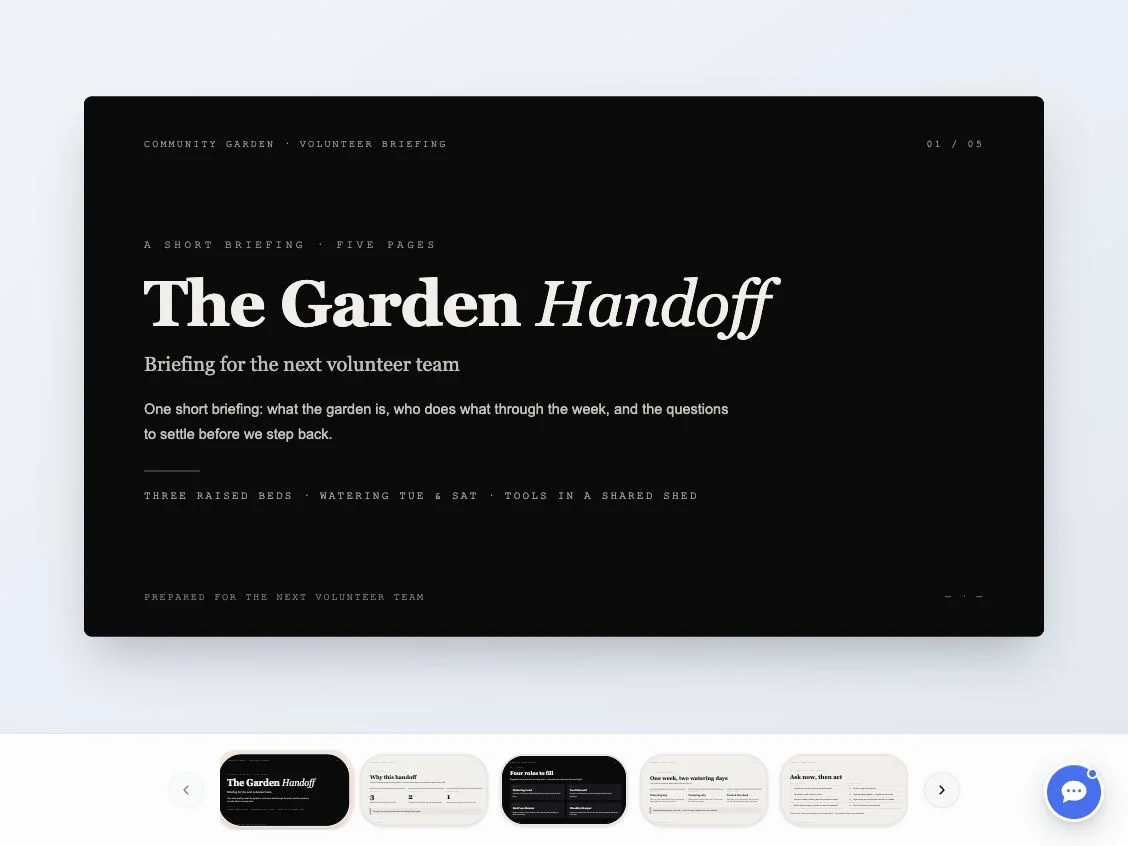
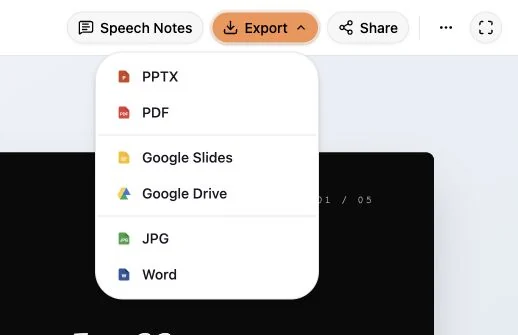
Open Export and choose PPTX when your account allows it. Reopen the downloaded file to check the five pages, text and layout; a successful preview does not replace checking the export.
Actual English interface: brief and processing views captured on 14 October 2026; completed review and export views on 16 October 2026. This is the same fictional example, with no customer data.
Use the full generation guideSign in and check your credit balance. The generation estimate appears beside the submit button; optional illustrations can add charges. Generating a deck and being allowed to download it are separate checks. Read the download dialog for your account’s current requirements.
Open Export and select the available PowerPoint option. If the account dialog asks you to unlock downloads, follow the conditions shown there. An available export button does not guarantee that the task has finished.
Open the downloaded PPTX in your presentation software. Check slide count, fonts, line breaks and images. AI Agent exports can contain editable elements, but editability and layout depend on the actual content; inspect your own file rather than assuming every object can be edited.
Sign in and check your credit balance. The generation estimate appears beside the submit button; optional illustrations can add charges. Generating a deck and being allowed to download it are separate checks. Read the download dialog for your account’s current requirements.
Select the slide count offered to your account and the output language. The presentation language is separate from the website language. AI Agent builds slide layouts; Nano Banana 2 creates image slides. Image slides export as full-page pictures, so their text is not individually editable in PowerPoint.
Choose from the counts available in the generator. Limits depend on your account and rendering mode; the output can still need structural revisions.
Yes. Select the output language before generation. It is independent of the website language; review the wording and layout in the resulting deck.
Attachments are uploaded to AIPPT.APP and supplied to the generation workspace as source material. Only send files you are allowed to share with this service.