
 Excel to PPT
An operations review
Explain counts, periods and exceptions from an operational worksheet. State whether rows describe people, events or repeated opportunities.
Give the numbers a clear explanation
Bring a workbook and the question you need to explain. AIPPT.APP drafts a presentation from the available content; you verify the numbers and the conclusions.
Sign-in and generation credits are required. Review the estimate and your plan’s download access before starting.
Choose a nonempty XLSX or XLS file within 50 MiB. Label columns, units and periods, save calculated values and identify the relevant sheet in your instructions.
AI selects and groups content for a new presentation.
Check the draft in the workspace, then export when your account allows.
Workflow illustration, not a live task or an estimate of processing time.
The original English workbook contains invited and attended counts for four fictional workshops. The overall rate uses total attendance divided by total invitations.
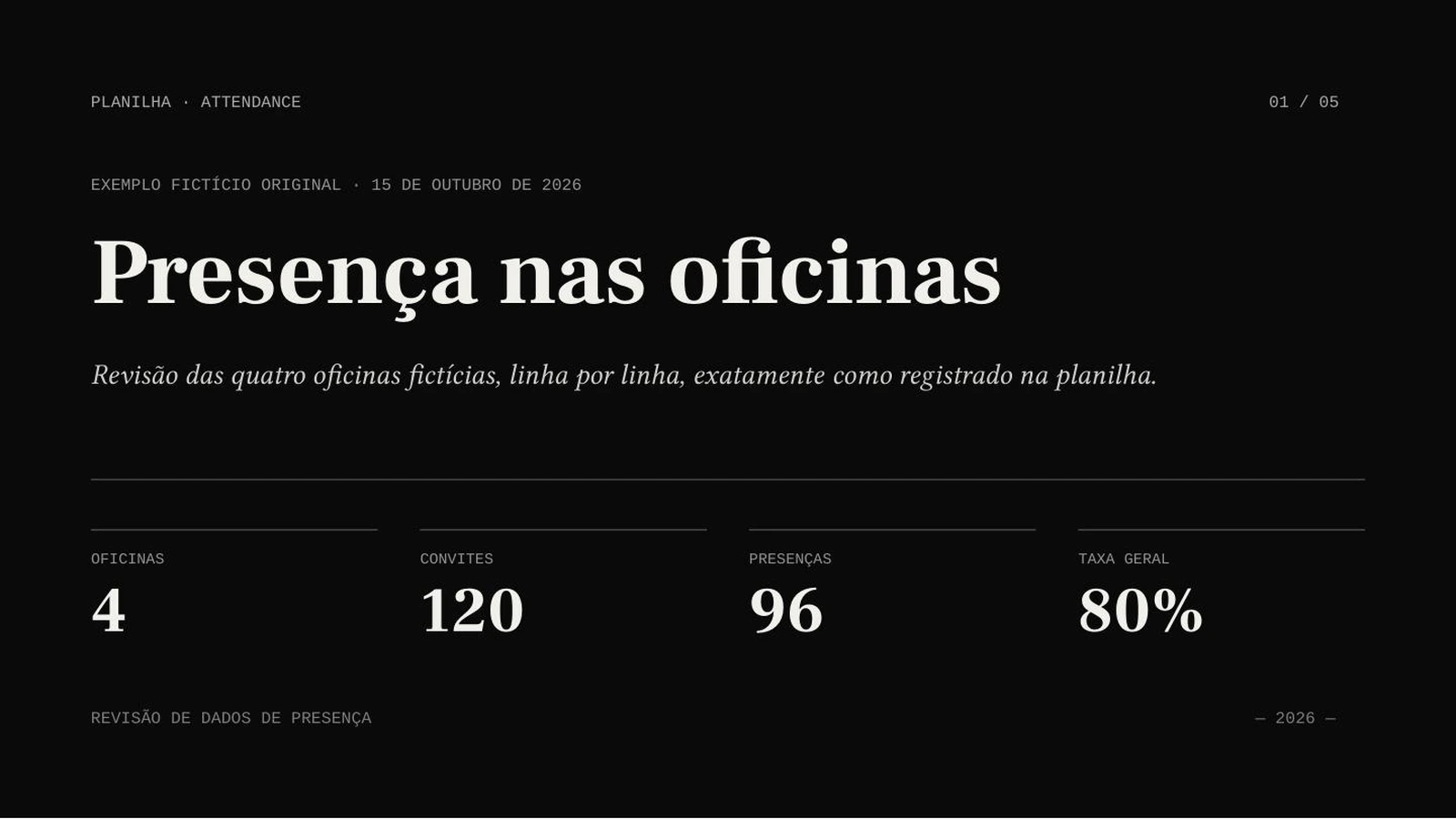
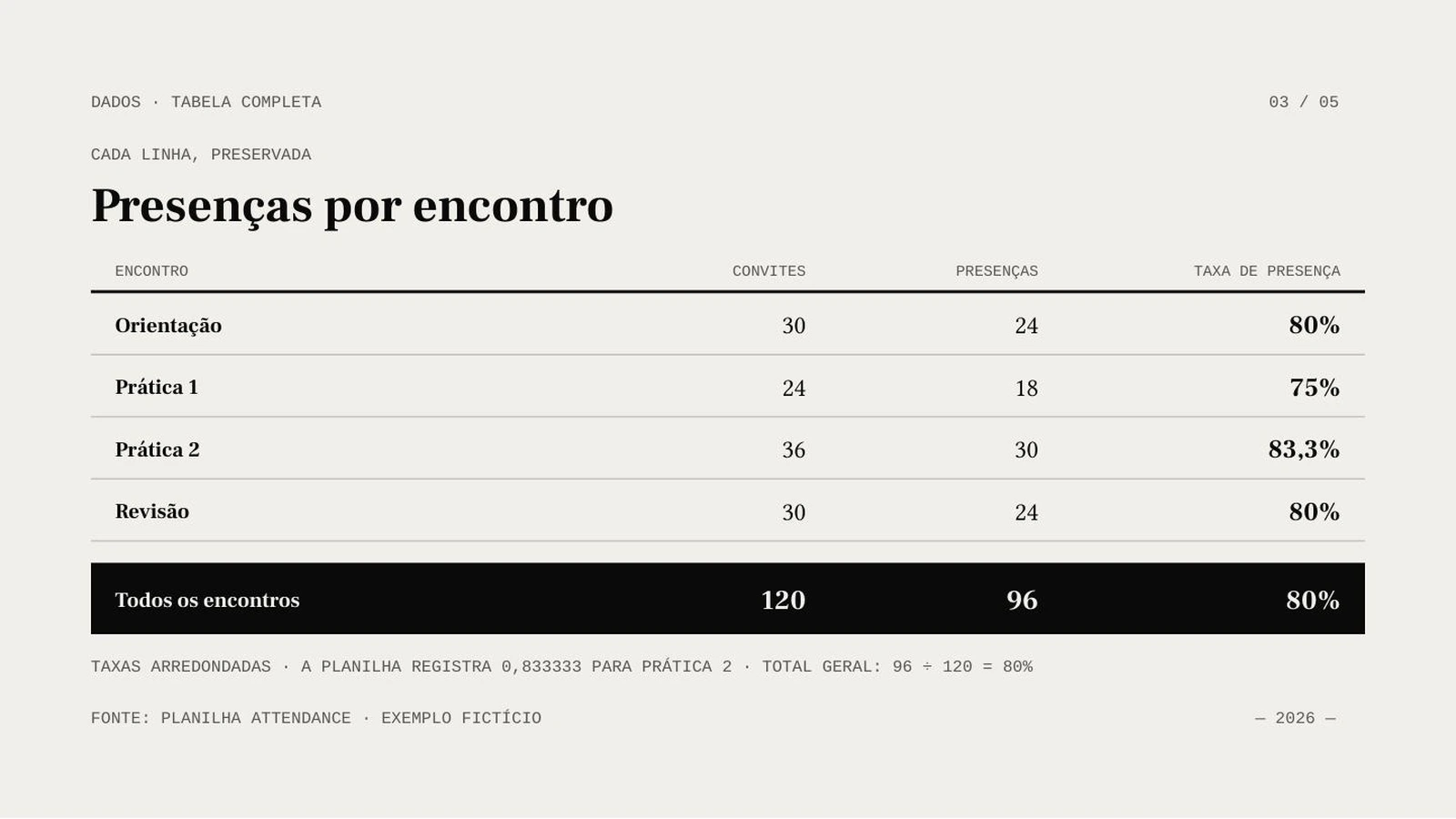
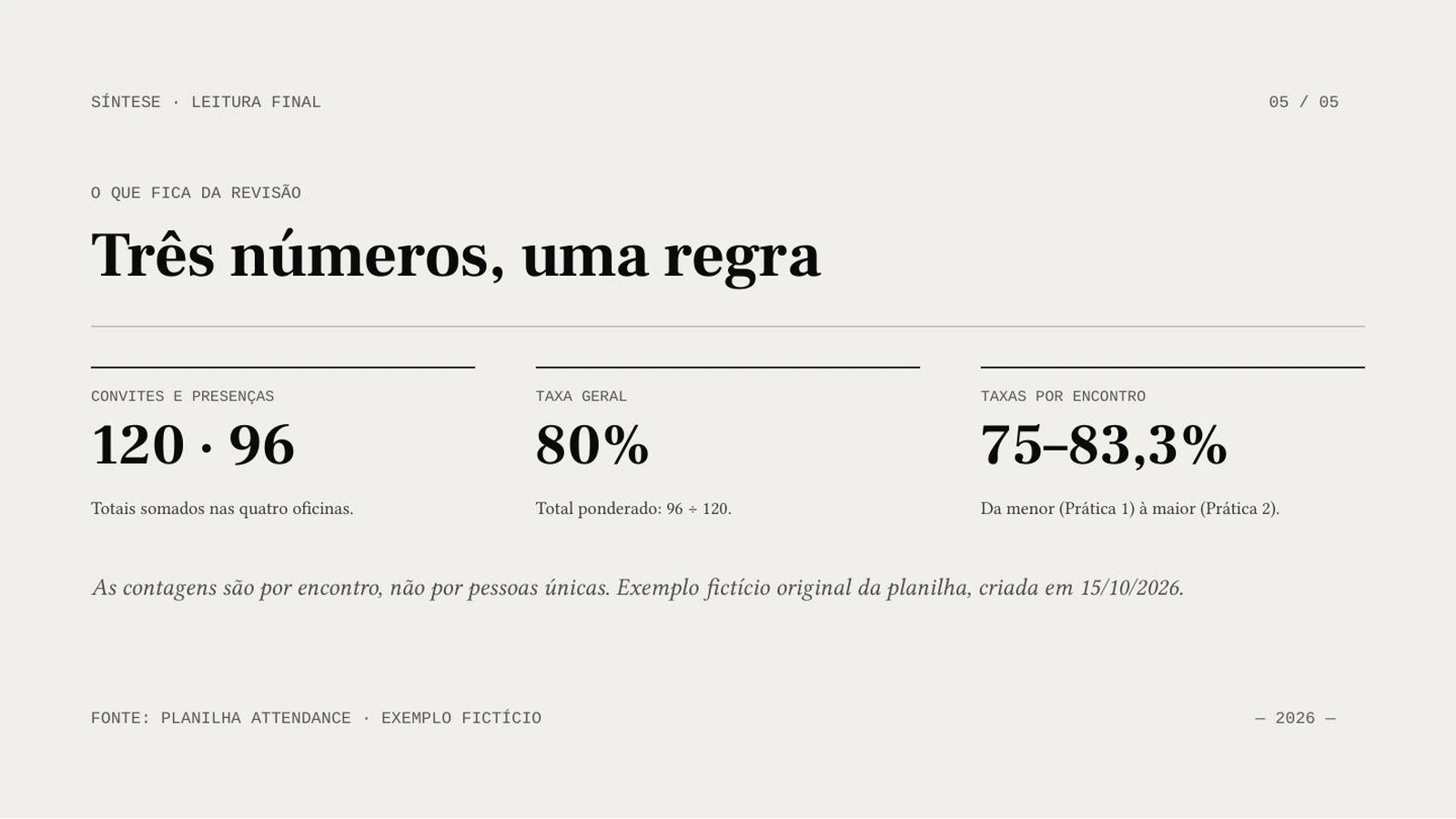
AI Agent · Sonnet 4.6 · Portuguese · 5 slides requested · no illustrations
A real generated example. The source totals are 120 invited attendances and 96 actual attendances: 80%. These are session counts, not unique people. Verify the complete result against the workbook.
Explain counts, periods and exceptions from an operational worksheet. State whether rows describe people, events or repeated opportunities.
Bring your own labeled results and describe the sample. Review units, missing values and denominators before presenting a finding.
Show options from your working table. Keep assumptions, forecasts and observed results clearly separate.
Choose a nonempty XLSX or XLS file within 50 MiB. Label columns, units and periods, save calculated values and identify the relevant sheet in your instructions.
Select the slide count, output language, model and any optional illustrations. Sign in, check the credits and submit once.
Compare the draft with its source. Correct content and layout, then open the downloaded file in your presentation software.
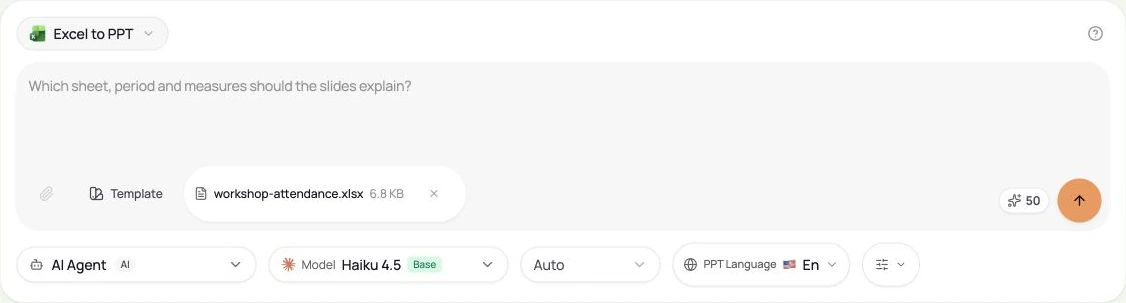
This is an AI presentation draft, not a linked workbook export. Do not assume that formulas, macros, external connections or native charts are preserved or refreshed. Our demonstrated source is a simple XLSX worksheet; review the actual output and recalculate the source before reuse.
Generation uses credits. Download eligibility is a separate account permission. Check both before starting; credits alone do not guarantee export access.
Yes. Choose the output language independently of the interface. Review terminology and phrasing for your audience.
No. This creates an AI draft that can summarize or reorganize material. Requested slide count is a target. Review the complete result rather than assuming a one-to-one conversion.