
A proposal by email
Try a smaller distribution copy when image-heavy slides exceed an attachment limit. Check the actual limit in your email service.
READY TO SHARE
Choose how much image detail to keep. Download a smaller copy when the source allows it, then check the slides before sharing.
Lower values may remove more image detail.
Wider supported images are resized.
Actual sizes appear after processing.
Choose a modern PPTX and keep your master copy.
Set quality and maximum image width; results depend on the file.
Check the returned copy at the size your audience will see.
Illustrative workflow, not live processing progress.
A synthetic grain pattern provides a detailed image to test. Compare the same slide and download both complete presentations.
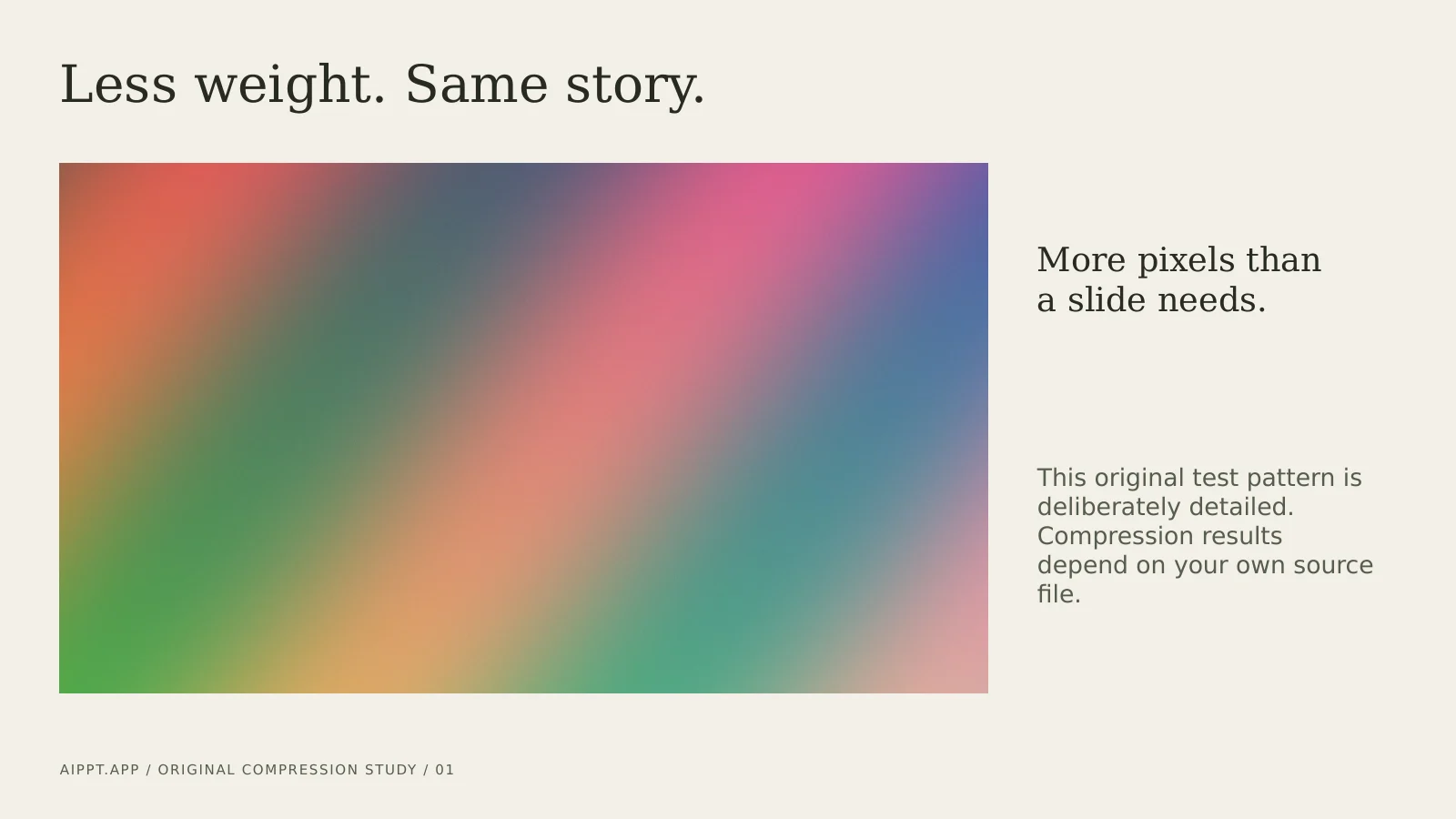
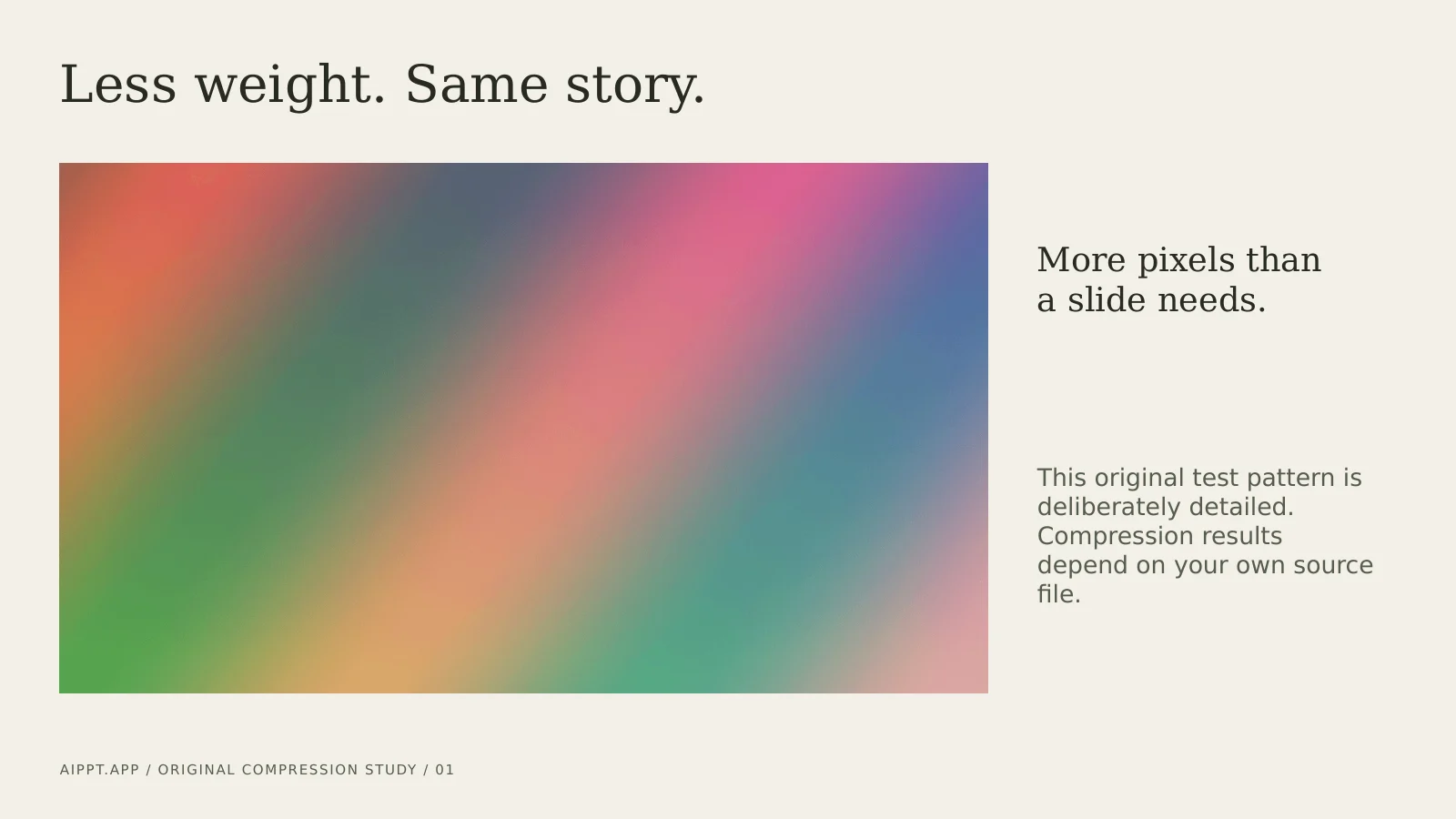
Original English test file created by AIPPT.APP. Local engine run on 14 October 2026 at quality 75 and 1920 px; these are actual file renders, not a screenshot of an online compression session. This example does not predict your reduction or guarantee lossless images.
Try a smaller distribution copy when image-heavy slides exceed an attachment limit. Check the actual limit in your email service.
Reduce suitable raster images before uploading to a learning platform. Inspect diagrams and small labels after downloading.
Keep the editable master and send a separate copy for feedback. Check image clarity, links and slide order before handing it over.
Sign in and select one authorized file up to 50 MB. Save old PPT files as PPTX in PowerPoint first; renaming the extension does not convert them.
Start with quality 75 and 1920 px. Lower settings can remove image detail. The percentage is an encoding setting, not a predicted size saving.
Wait for actual statistics, download the PPTX and open it in PowerPoint. Compare important slides, especially diagrams and text inside pictures.
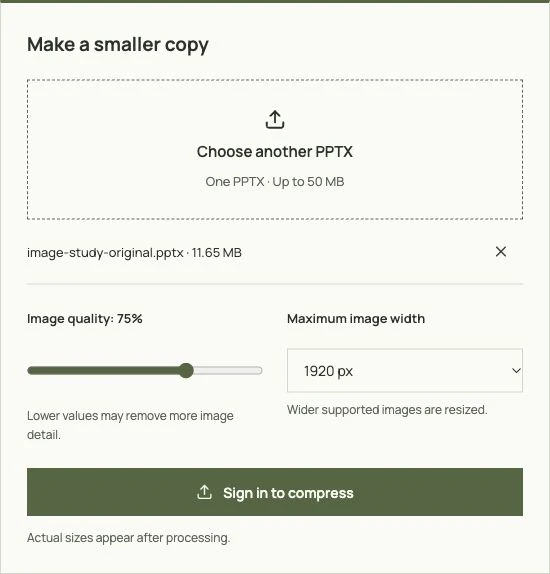
Sign-in is required. Compression currently does not deduct PPT credits; other tools have their own conditions.
Only modern PPTX is accepted. Open an old PPT in PowerPoint and save it as PPTX before uploading.
Image optimization can discard detail. The tool does not deliberately rewrite slide content, but you should still check text, diagrams, links and playback. Keep the original.
No. Quality and width are controls for supported images, not a target-size guarantee. The results panel shows measurements only after processing.
The page processes one file per request. It does not offer a batch uploader or bulk download.