
 Word to PPT
Training from a written guide
Use your onboarding document to introduce roles and routine tasks. Ask for the audience’s level and preserve instructions that must remain precise.
A document, ready for a different format
Start with the report, proposal or briefing you have already written. AIPPT.APP reorganizes its content into a presentation draft for you to review.
Sign-in and generation credits are required. Review the estimate and your plan’s download access before starting.
Choose a nonempty DOCX or DOC file within 50 MiB. Clear headings and complete sections give the draft useful structure.
AI selects and groups content for a new presentation.
Check the draft in the workspace, then export when your account allows.
Workflow illustration, not a live task or an estimate of processing time.
An original two-page English garden briefing is the source for a Portuguese presentation. Compare the source with the actual exported slides.
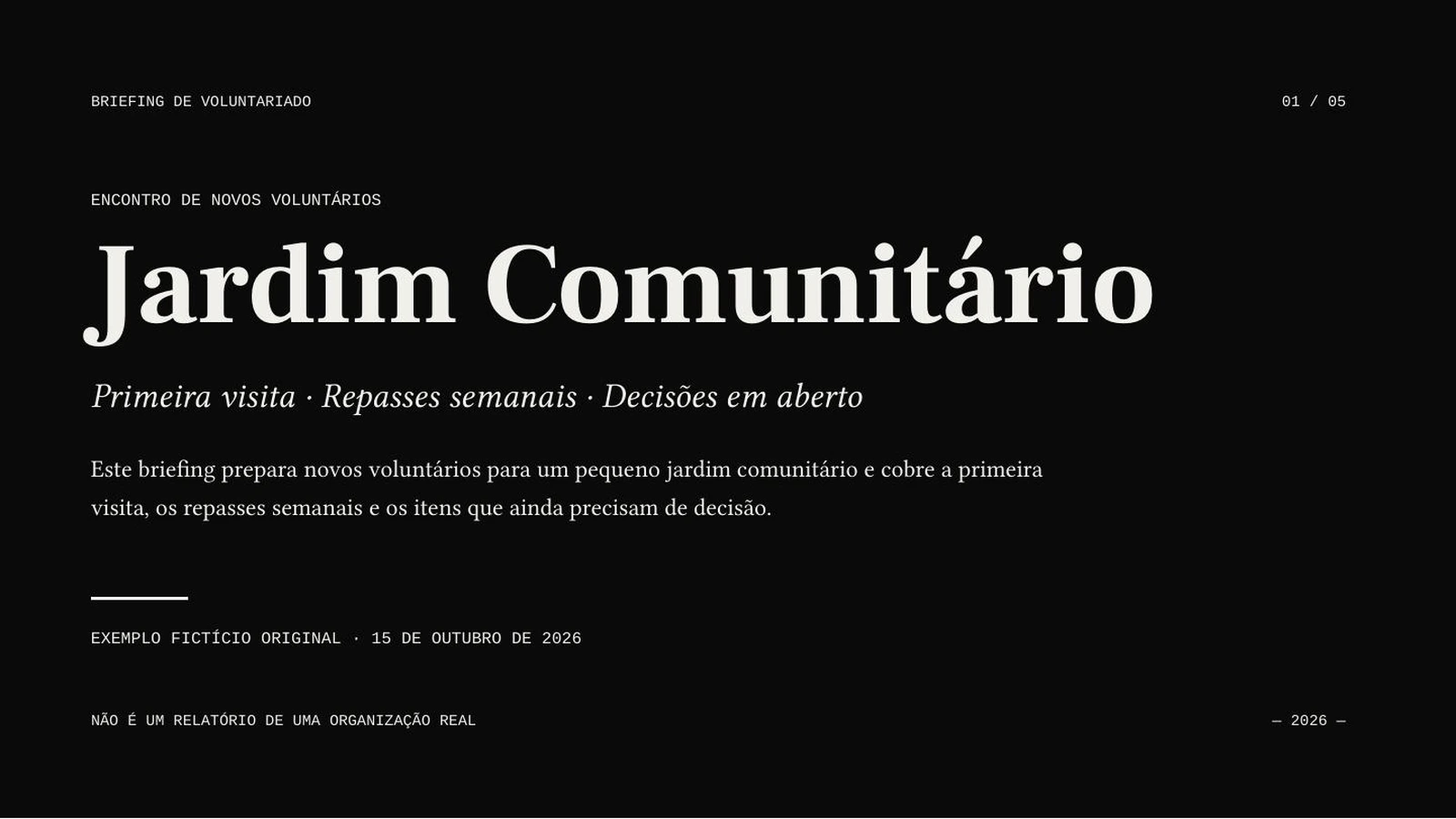
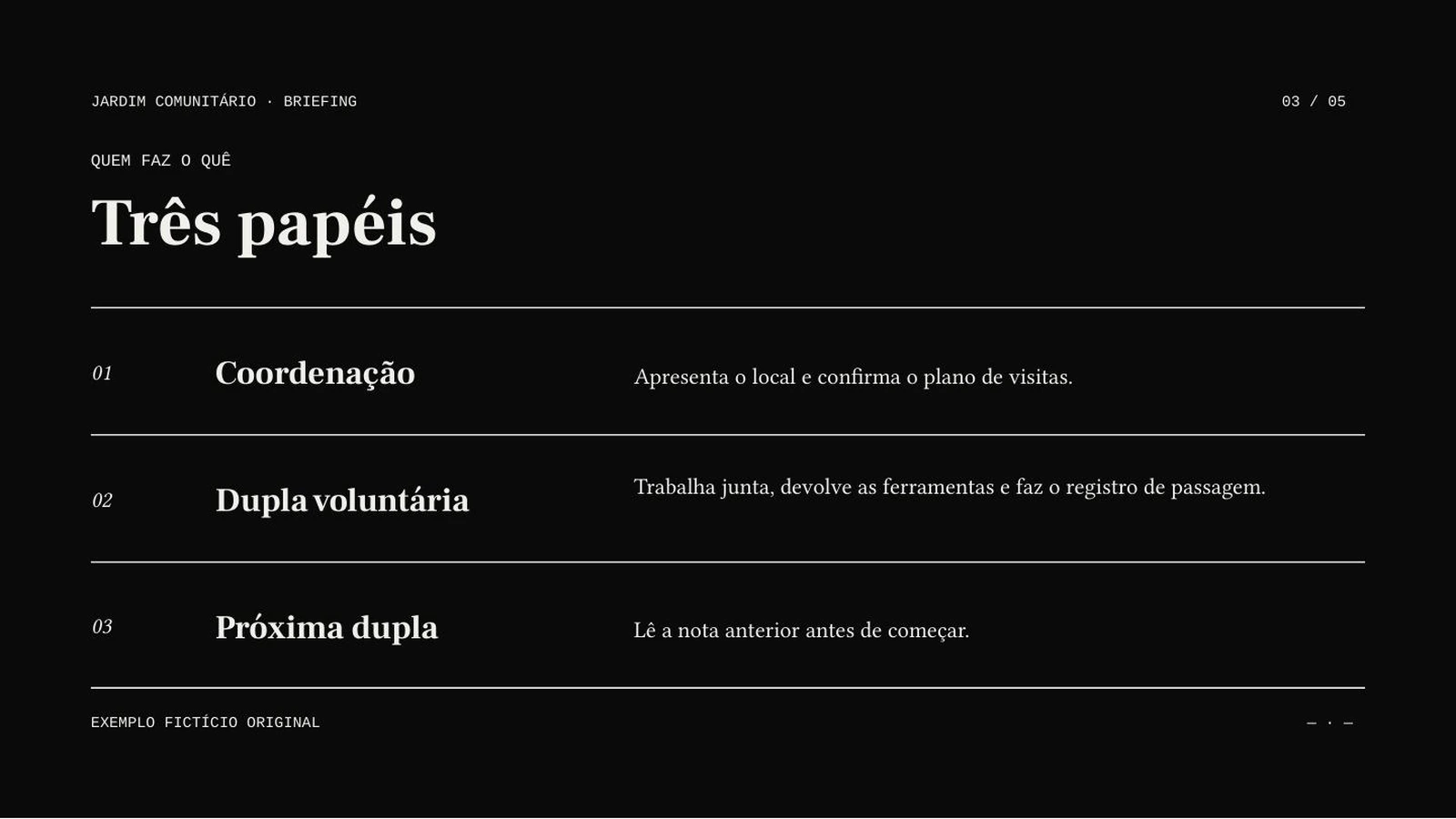
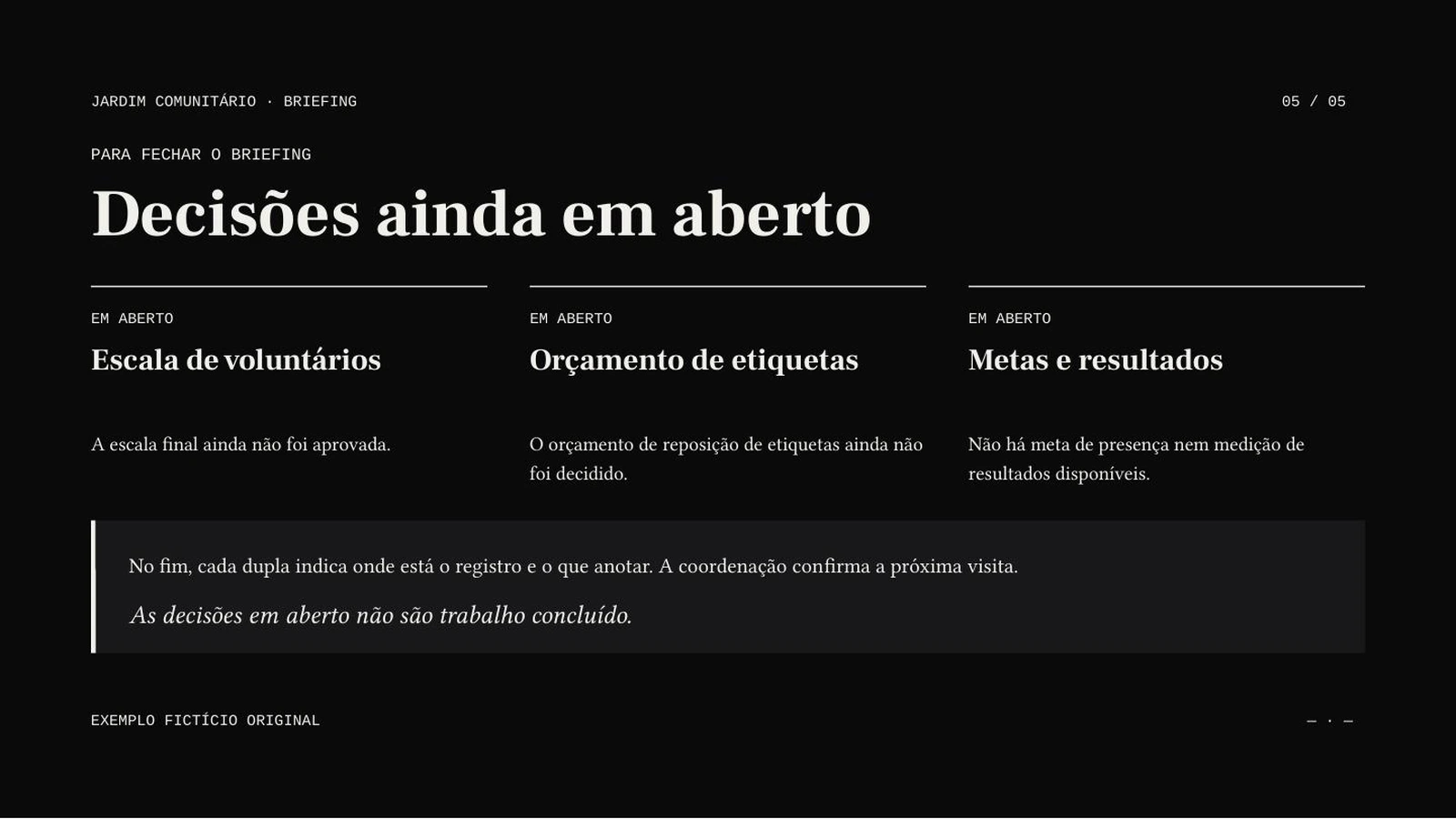
AI Agent · Sonnet 4.6 · Portuguese · 5 slides requested · no illustrations
Actual generated output, shown in excerpt. Download both files to inspect the complete content and the decisions that remain open.
Use your onboarding document to introduce roles and routine tasks. Ask for the audience’s level and preserve instructions that must remain precise.
Present the problem, options and requested decision from your own proposal. Keep estimates distinct from confirmed results.
Turn a long update into a discussion draft. Check owners, dates and outstanding decisions against the original document.
Choose a nonempty DOCX or DOC file within 50 MiB. Clear headings and complete sections give the draft useful structure.
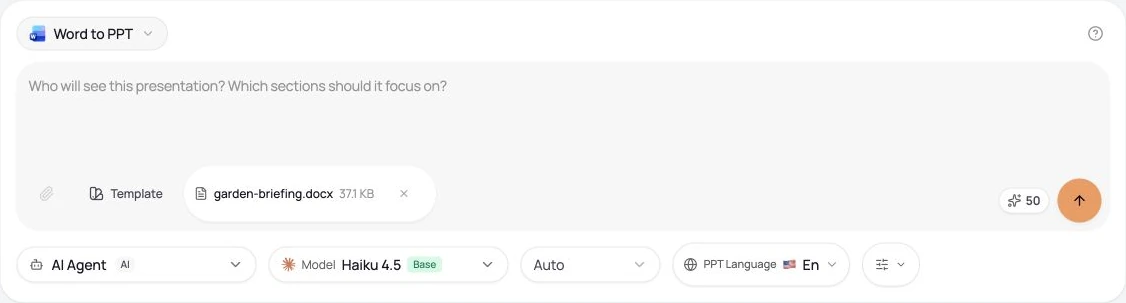
Select the slide count, output language, model and any optional illustrations. Sign in, check the credits and submit once.
Compare the draft with its source. Correct content and layout, then open the downloaded file in your presentation software.
No. This creates a new AI slide draft from the document content. It can summarize and reorder material; page breaks, fonts, tables and images are not guaranteed to carry over unchanged. The demonstrated input is DOCX. Older DOC files may need to be saved as DOCX first.
Generation uses credits. Download eligibility is a separate account permission. Check both before starting; credits alone do not guarantee export access.
Yes. Choose the output language independently of the interface. Review terminology and phrasing for your audience.
No. This creates an AI draft that can summarize or reorganize material. Requested slide count is a target. Review the complete result rather than assuming a one-to-one conversion.