
Team proposals
Put the strategy deck before the delivery plan. Share one proposal while keeping each team’s source slide design.
One deck, in your order
Bring separate presentations into one PPTX. Arrange the files, combine their slides, then review one deck before sharing.
This web tool does not deduct PPT credits.
Choose the presentations you want to combine.
Set the file order. Slides keep their order within each file.
Download one PPTX and review it in PowerPoint.
Workflow illustration. It does not show a live merge or predict processing time.
An original two-file study: an overview followed by a chart and image. Compare each source with its place in the combined deck.
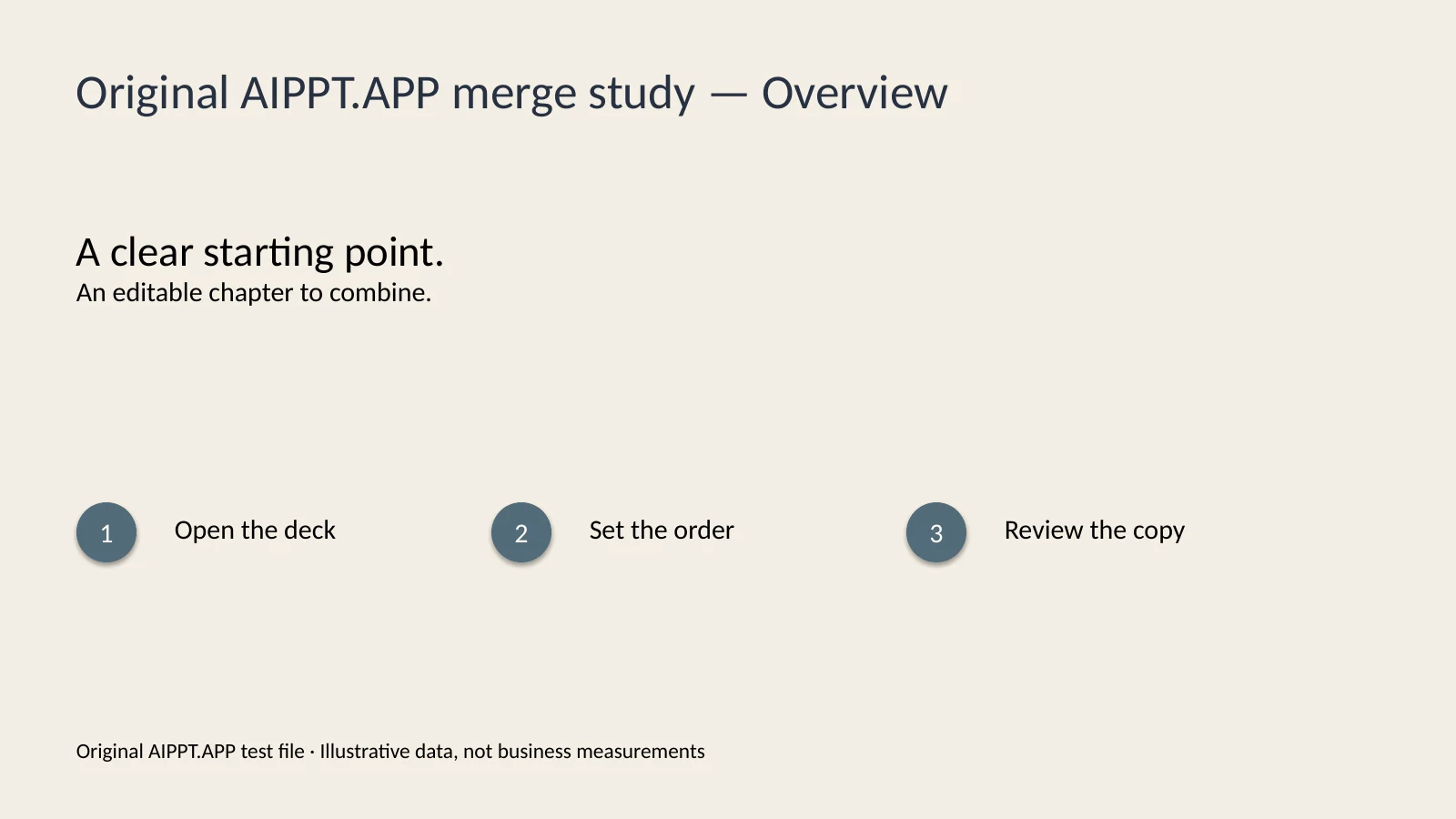
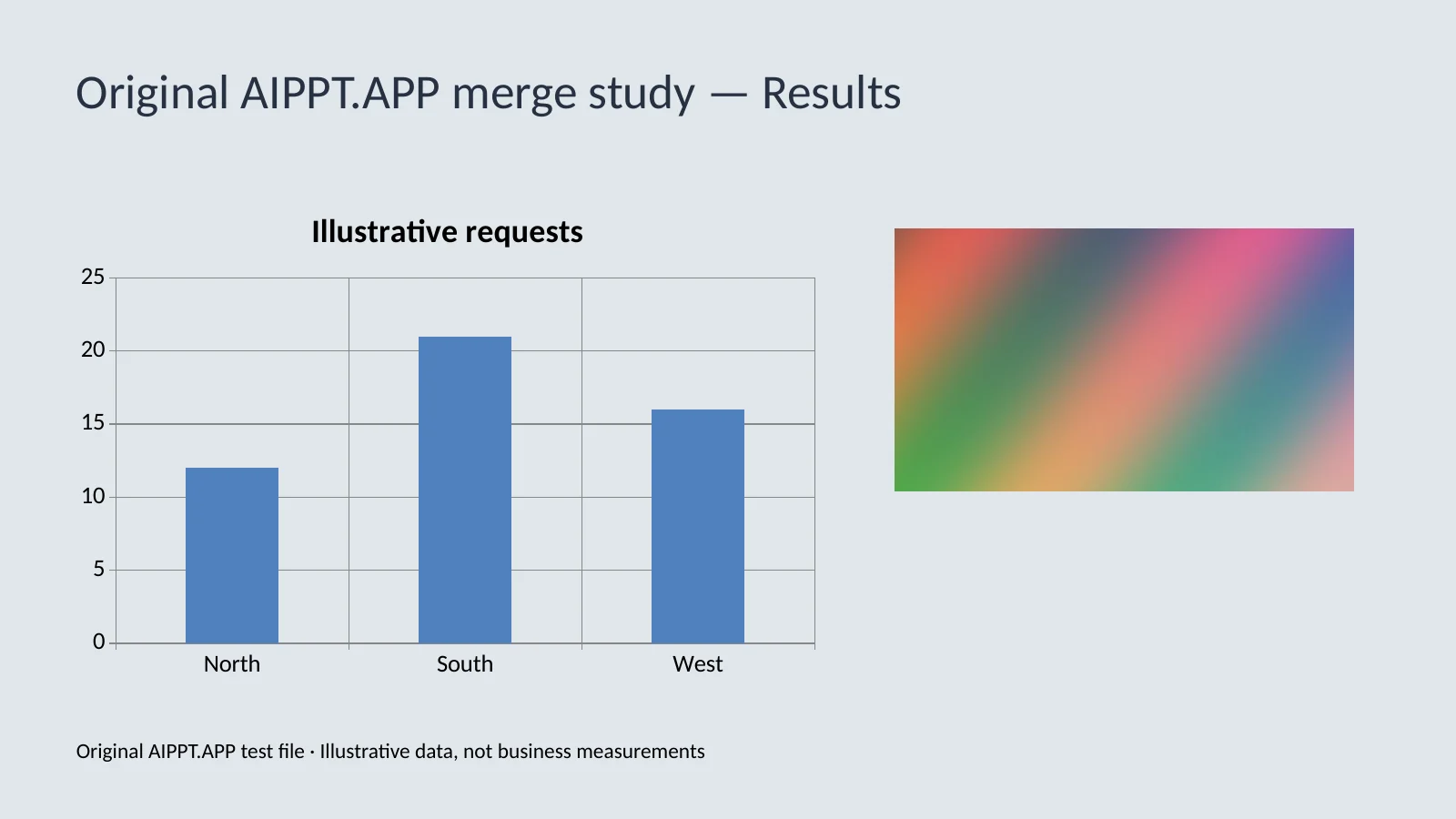
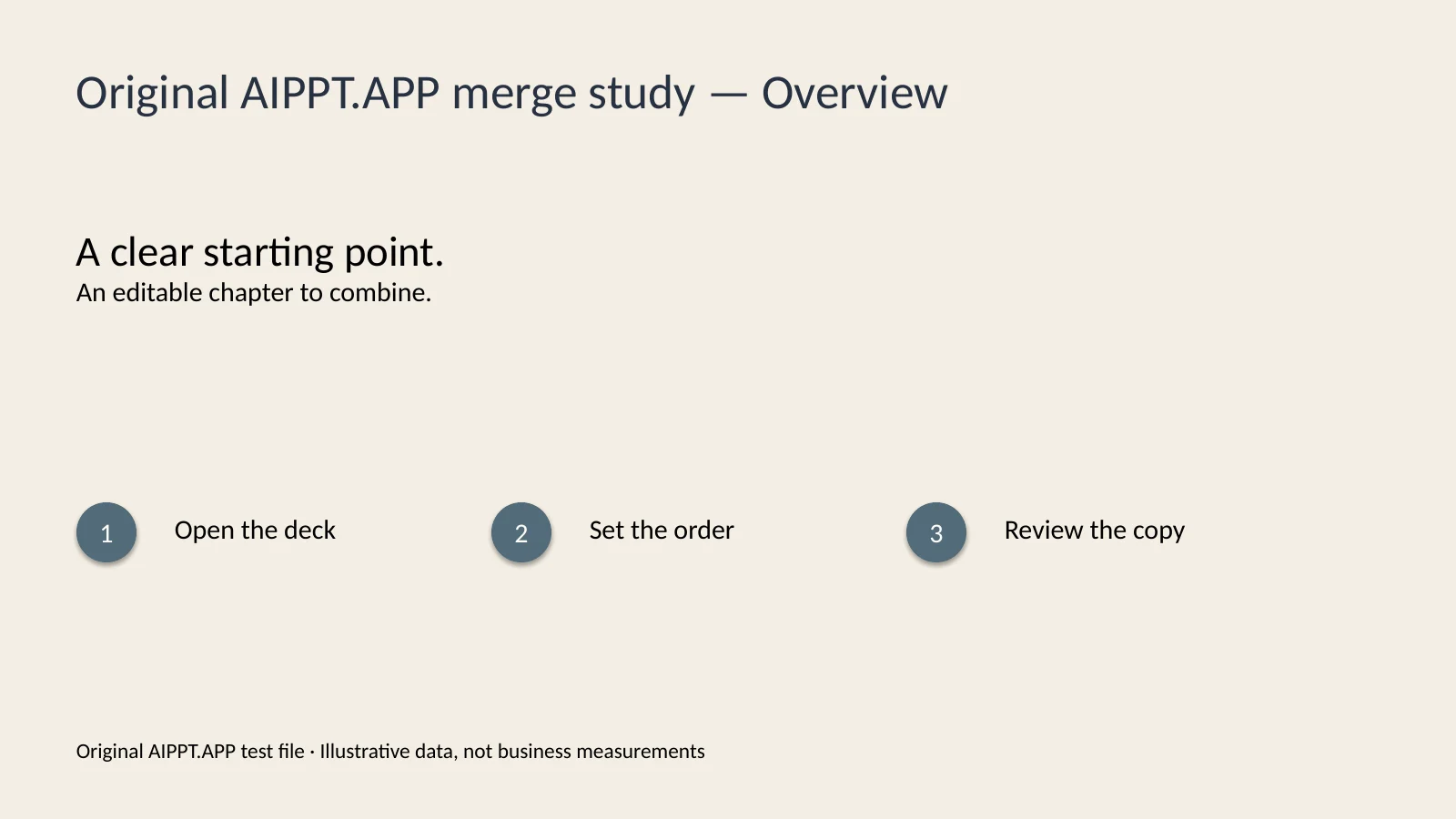
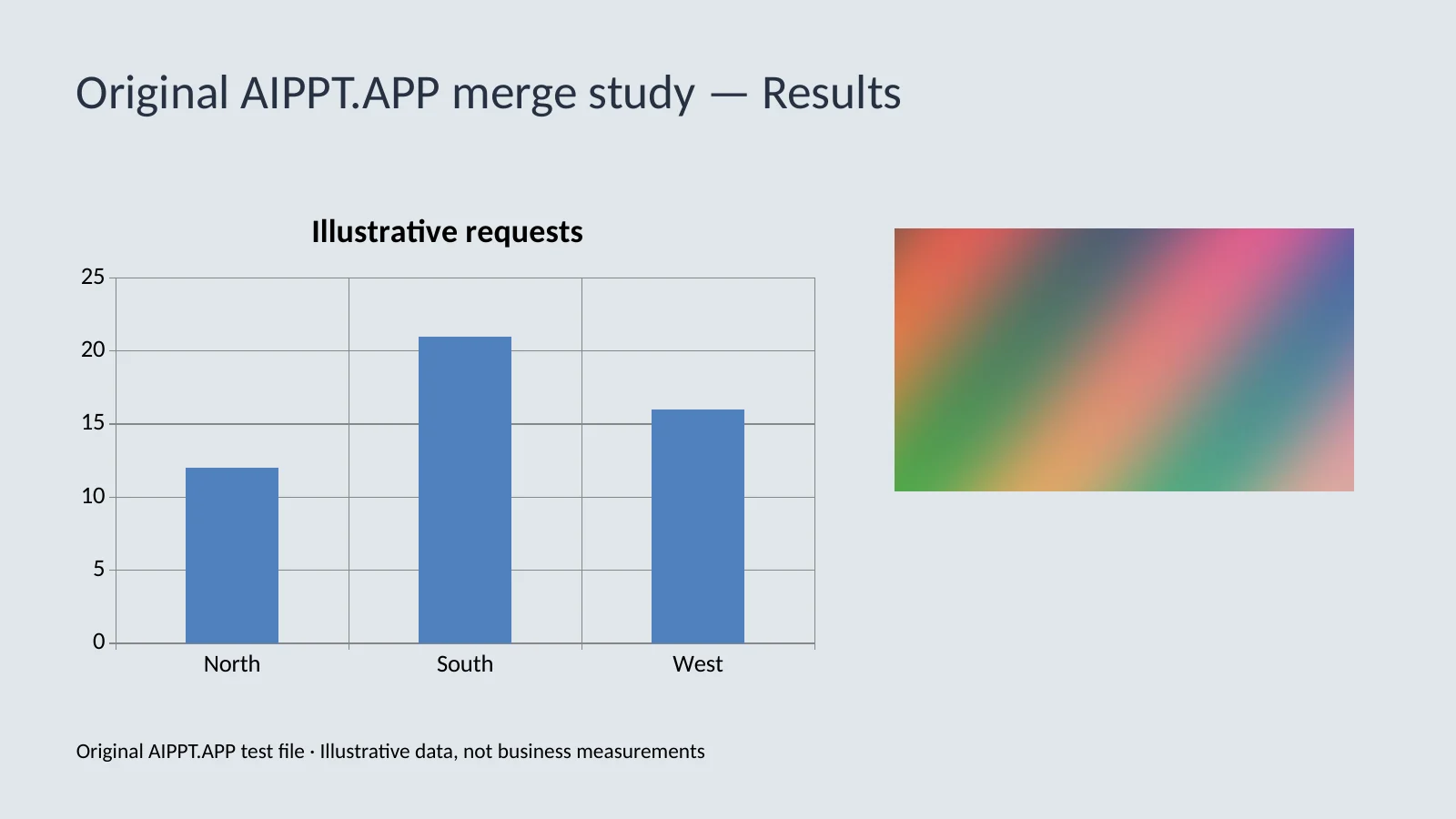
Original AIPPT.APP test files with illustrative data, rendered in LibreOffice. The sample retains two slides, source themes, an editable chart, an image and notes; results vary with other files.
AIPPT.APP
Put the strategy deck before the delivery plan. Share one proposal while keeping each team’s source slide design.
Combine lesson modules in teaching order. Keep an editable copy and review speaker notes before the session.
Arrange speaker decks to match the running order. Check their slide sizes and fonts before presenting on a shared screen.
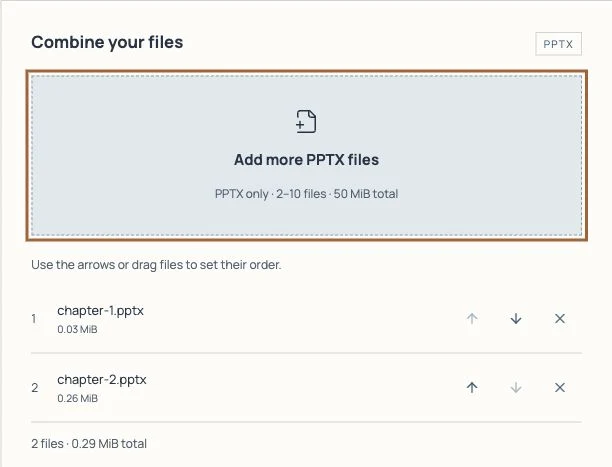
Choose or drop 2–10 nonempty PPTX files. The combined upload must stay within 50 MiB.
Use the arrows or drag files into place. All slides from the first file come before slides from the next.
Sign in and merge. Download the PPTX when ready, then check the slides, charts, fonts and notes in PowerPoint.
The current web merge tool does not deduct PPT credits. A signed-in account is required; other AIPPT.APP tools may have different pricing.
You can reorder the files before merging. Slides within each file stay in their original order. Edit individual slide order in PowerPoint after download.
No. Source masters and themes are retained instead of applying one theme to every slide. The first file sets the output slide dimensions.
Files are sent to the server for processing. Temporary merge files are cleaned up after processing; task records can include file names, sizes and counts. See the privacy policy.
Check the file count and total size, then open each source in PowerPoint and save it as a fresh PPTX. Try fewer files. Your selected files remain available for retry.