
 YouTube to PPT
Source-based structure
An outline brings together the main ideas. Check names, numbers and technical details against the video.
From video to presentation
Start with a public video. AIPPT.APP drafts an outline from its content, then builds a presentation you can review and refine.
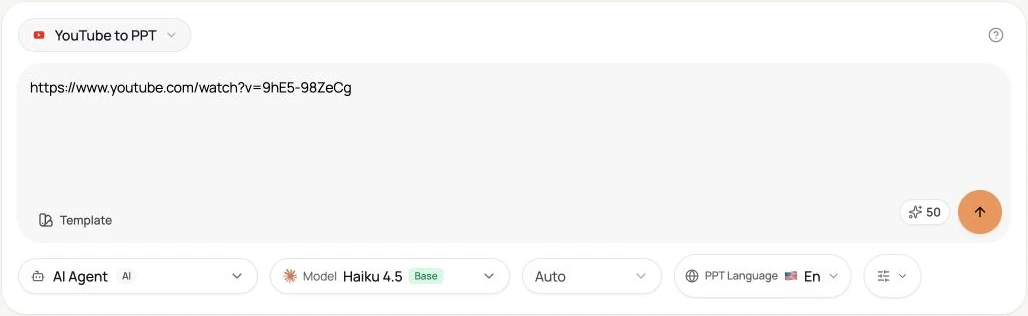
Paste the public video URL and choose your settings.
AI selects topics and key points from the available video content.
The outline moves into a workspace for generation and review.
Workflow illustration, not a live task or a processing-time estimate.
YouTube → PPTX
An actual generated example: Google’s Gemini 2.0 demo, reorganized into a Portuguese presentation.
AI Agent · Sonnet 4.6 · 5 slides · Portuguese · no illustrations or web search
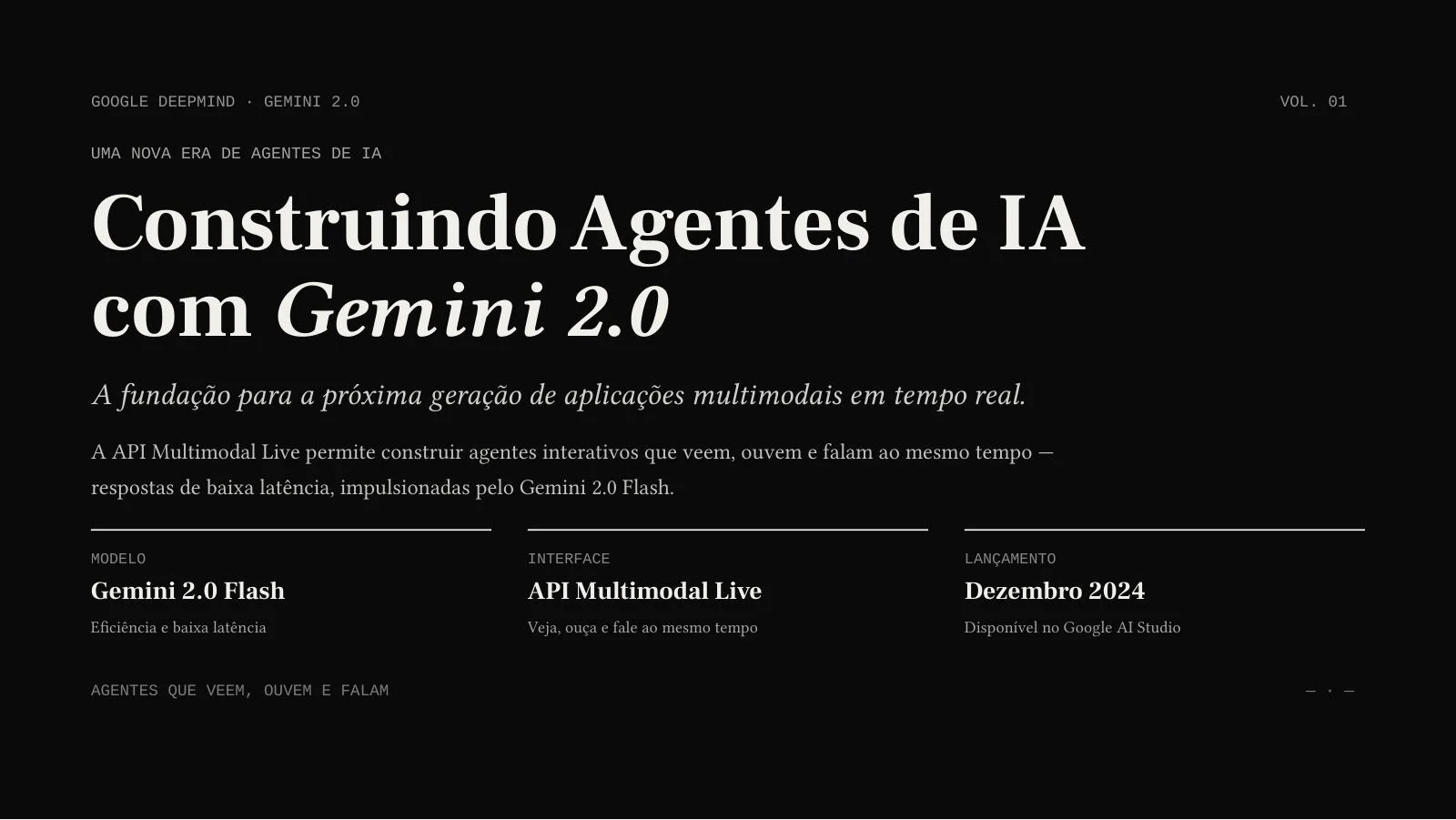
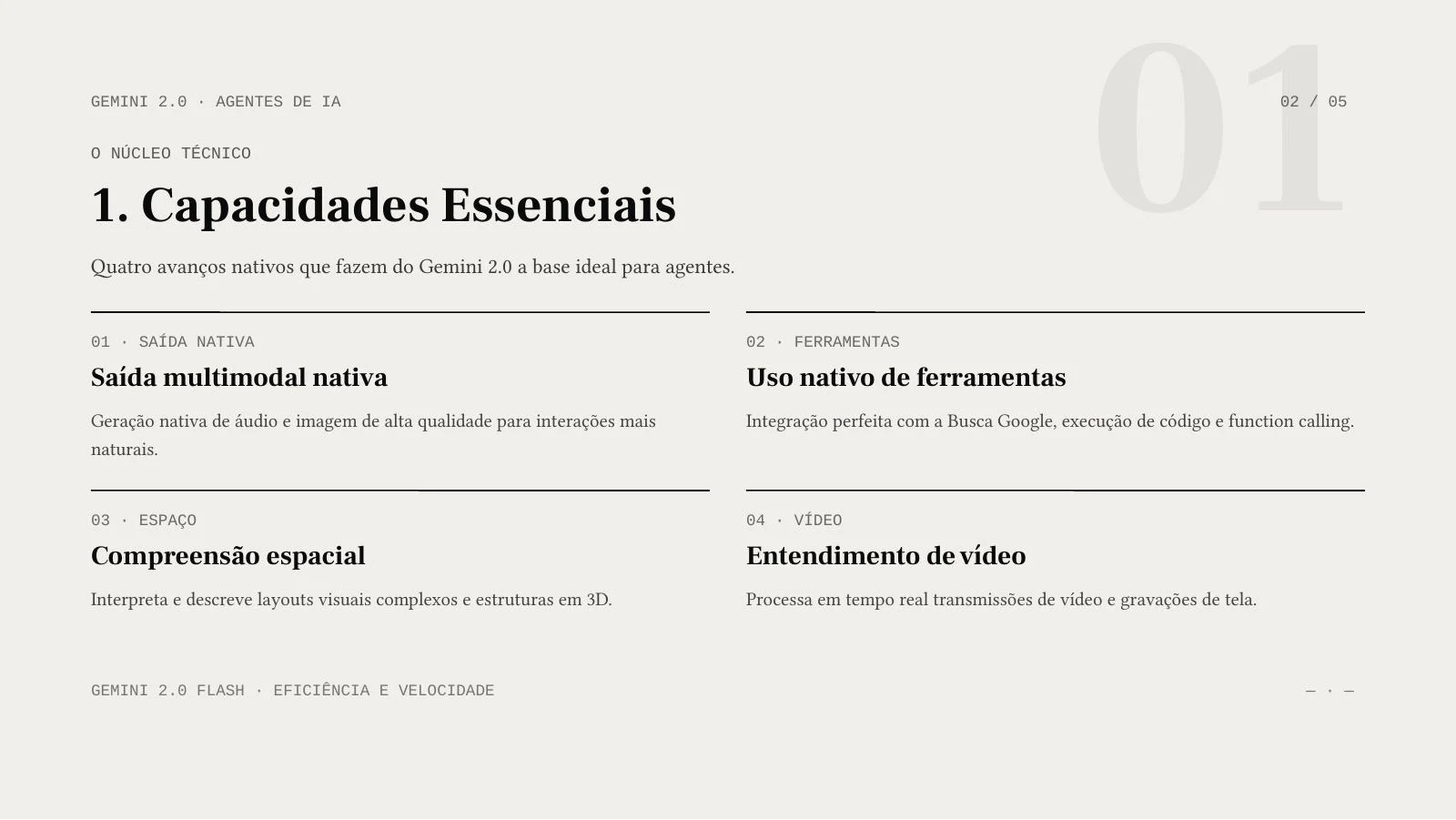
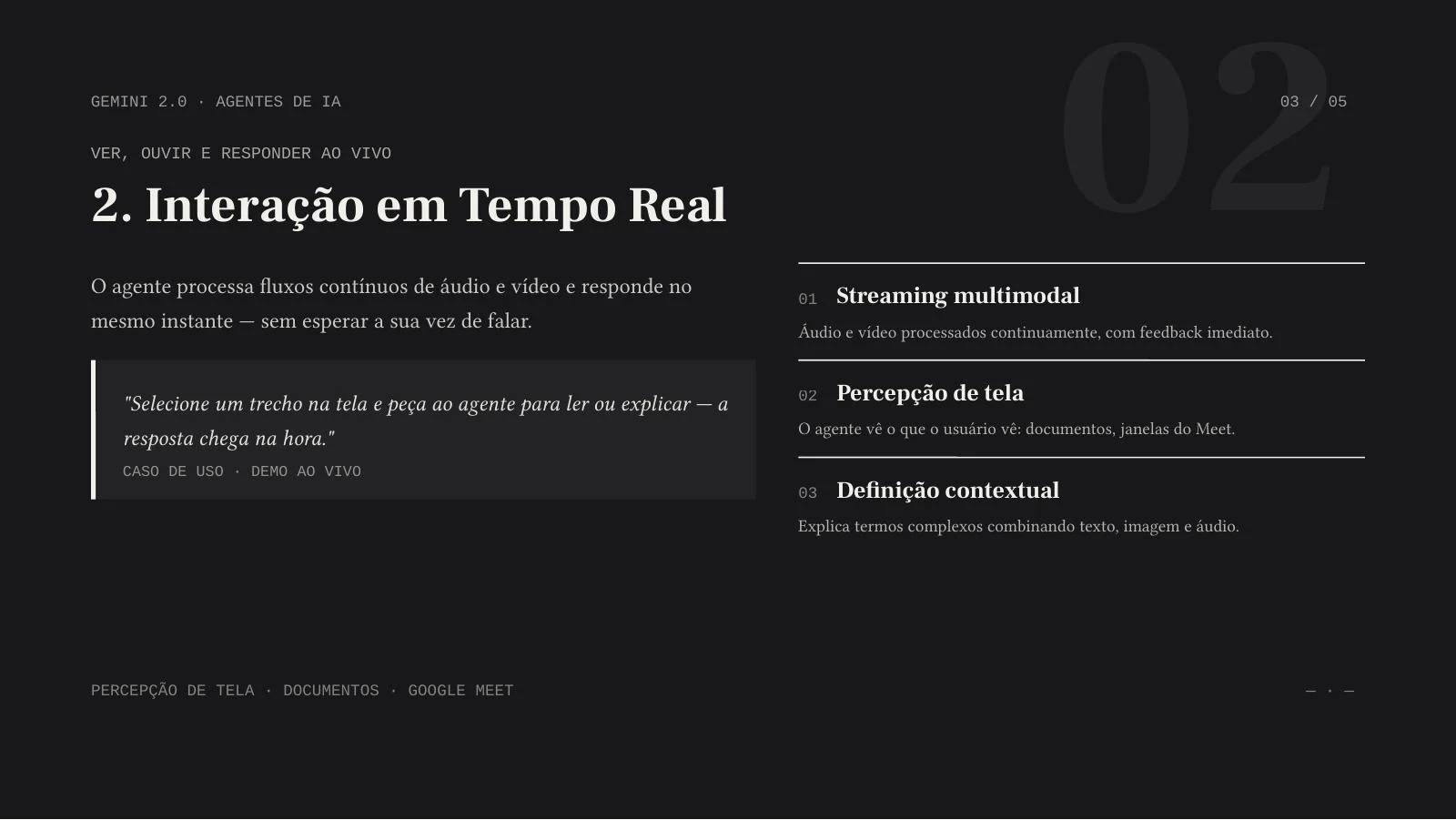
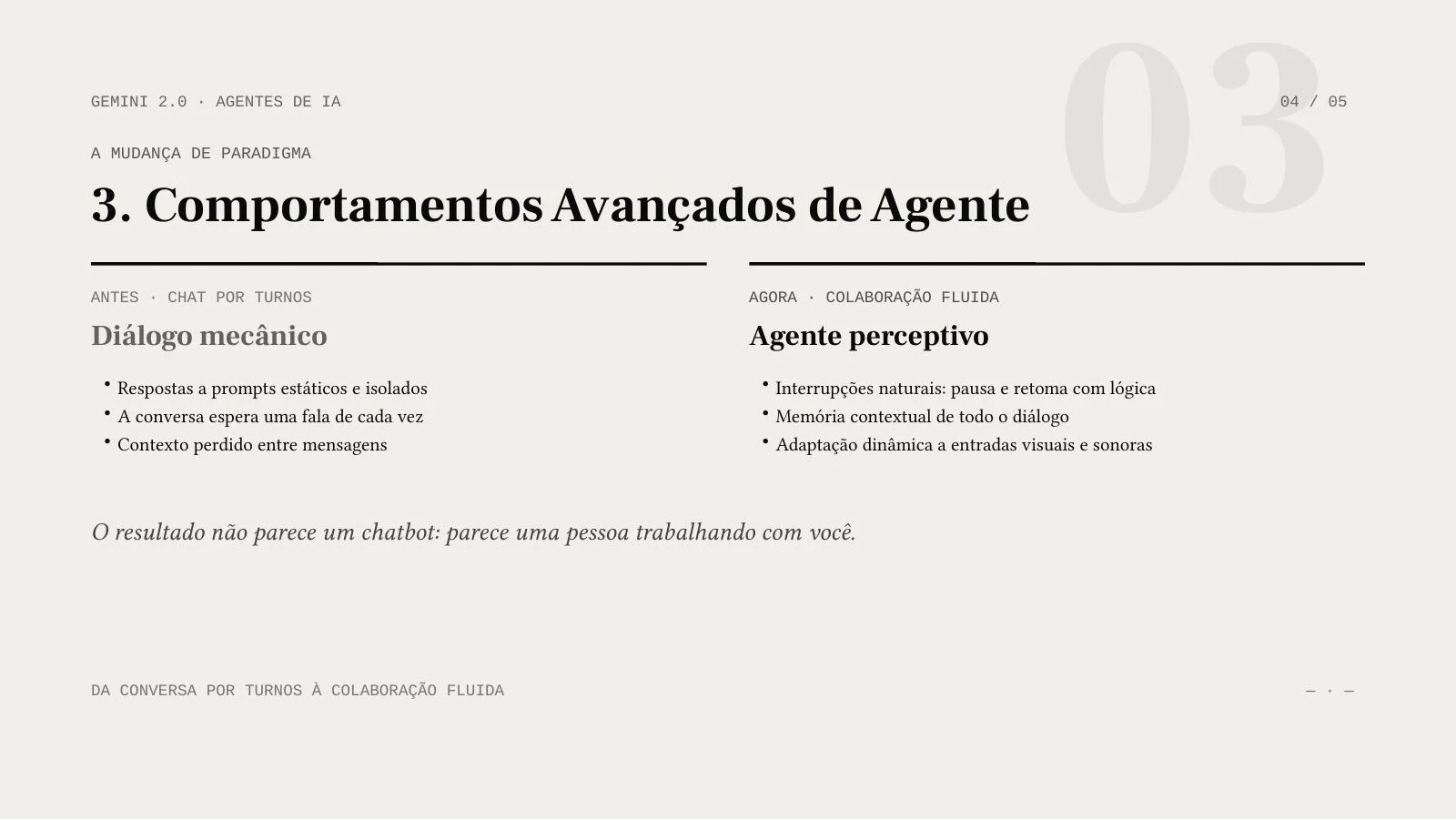
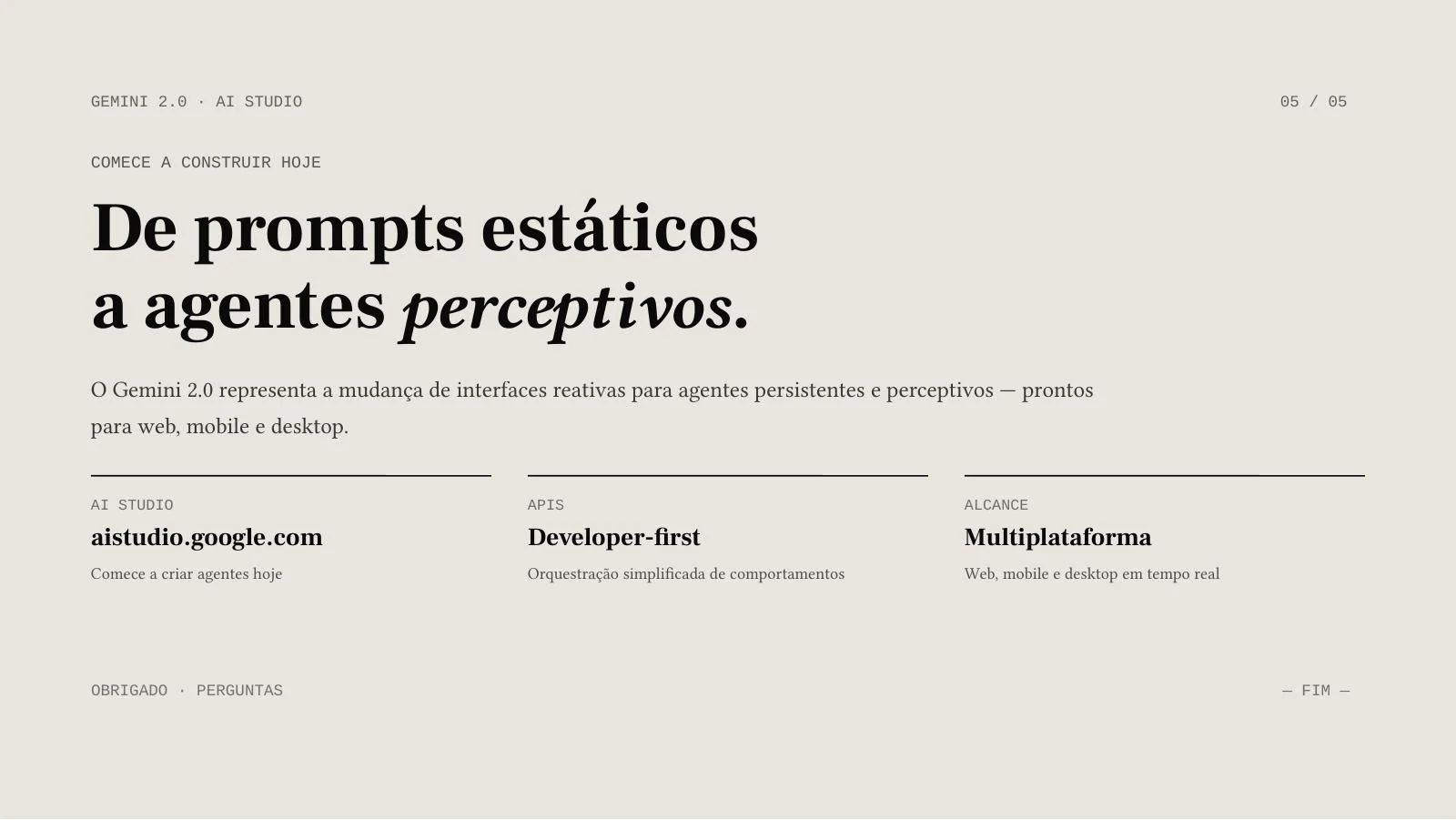
AIPPT.APP
The video supplies the subject. Your review turns the generated draft into a presentation suited to your audience.
An outline brings together the main ideas. Check names, numbers and technical details against the video.
Choose the language for the presentation independently of the interface. Review terminology and phrasing for your audience.
AI Agent can produce slide layouts. Image mode produces full-slide images; text inside them is not individually editable in PowerPoint. Export access depends on your account.
Use a public course video you may reuse. Draft a short lesson deck, then add your own questions, examples and source references.
Turn a demo into an introduction, key features and discussion points. Verify each feature claim and adapt the wording for your team.
Start from a public webinar or talk. Use the draft to brief colleagues, retaining the original video link for details and context.
Add one public YouTube link. Select the slide count, output language, model and any illustration or web-search options.
Sign in, check the credit estimate and submit once. Video analysis is followed by slide generation in the workspace.
Check the draft against the source, correct the content and inspect the layout. Export options depend on your account and the selected output mode.
It creates a new outline and presentation draft from the available video content. It does not recover the speaker’s original PowerPoint file or guarantee frame-by-frame reproduction.
Choose an output language in the generator. The outline requests that language and the workspace uses it for generation. AI results still need terminology and language review.
Editing depends on the output. AI Agent layouts can contain text and other elements; some visuals may be images. Image mode exports full-slide images, so their text is not editable as separate text boxes.
You need a signed-in account and enough generation credits. Check the current estimate in the tool. Access to PPTX downloads depends on your plan; a credit balance alone does not guarantee export access.
Check that the link opens as a public video and try again. Private or restricted videos may not be accessible. A failed, empty or interrupted outline is not used to start a new presentation.