
A guide for onboarding
Turn a public product guide into an onboarding draft. Verify each instruction against the live page before teaching it.
From a webpage to a presentation
Start with an accessible public page. AIPPT.APP reads it as source material and drafts a new presentation you can review for your audience.
Sign-in and generation credits are required. Review the estimate and your plan’s download access before starting.
Enter the full address of an accessible public page. Login-only, unavailable or heavily scripted pages may not provide usable content.
AI selects and groups content for a new presentation.
Check the draft in the workspace, then export when your account allows.
Workflow illustration, not a live task or an estimate of processing time.
The AIPPT.APP presentation guide is the source for this Portuguese example. Compare its instructions with the new slide structure.
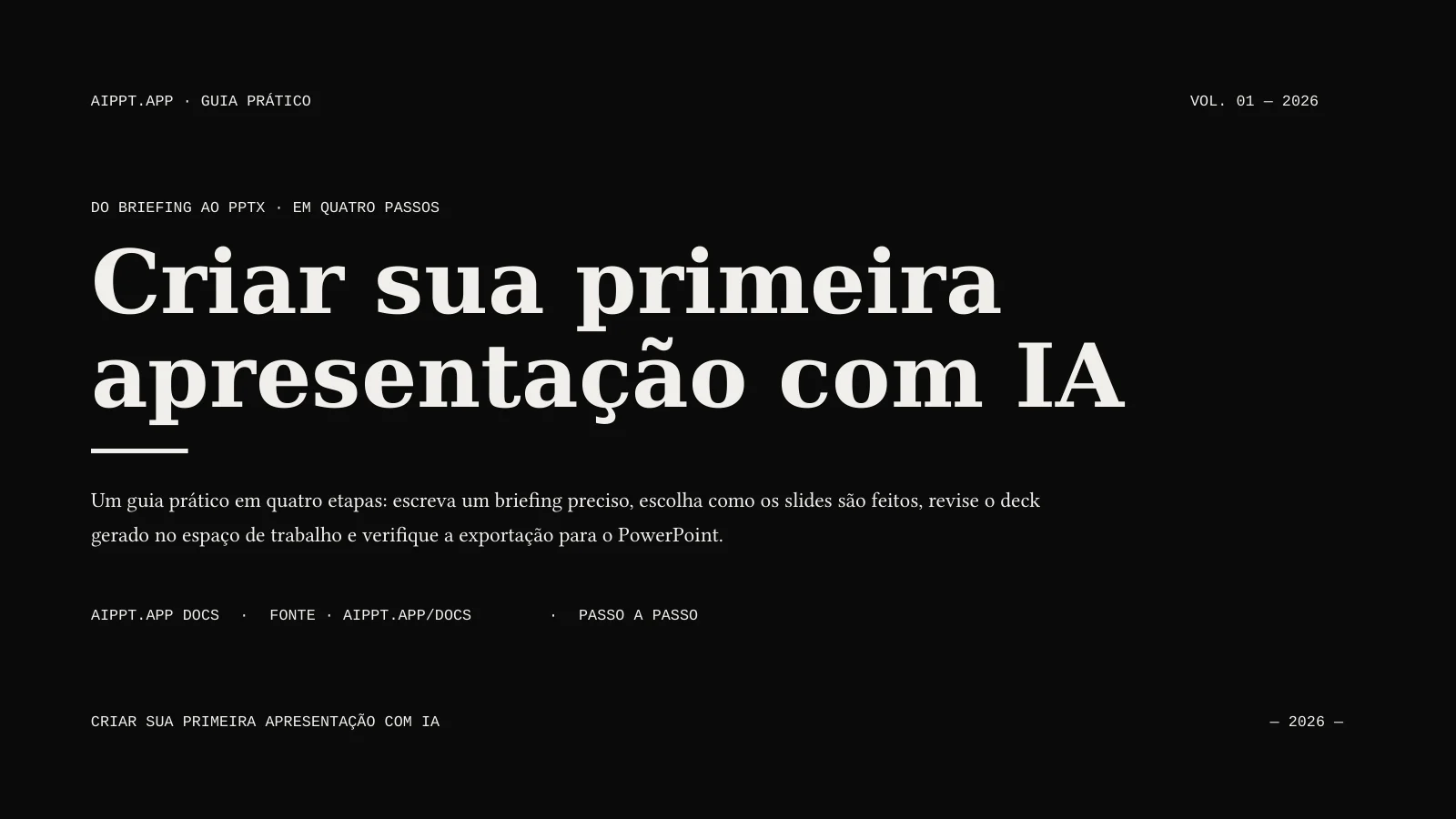
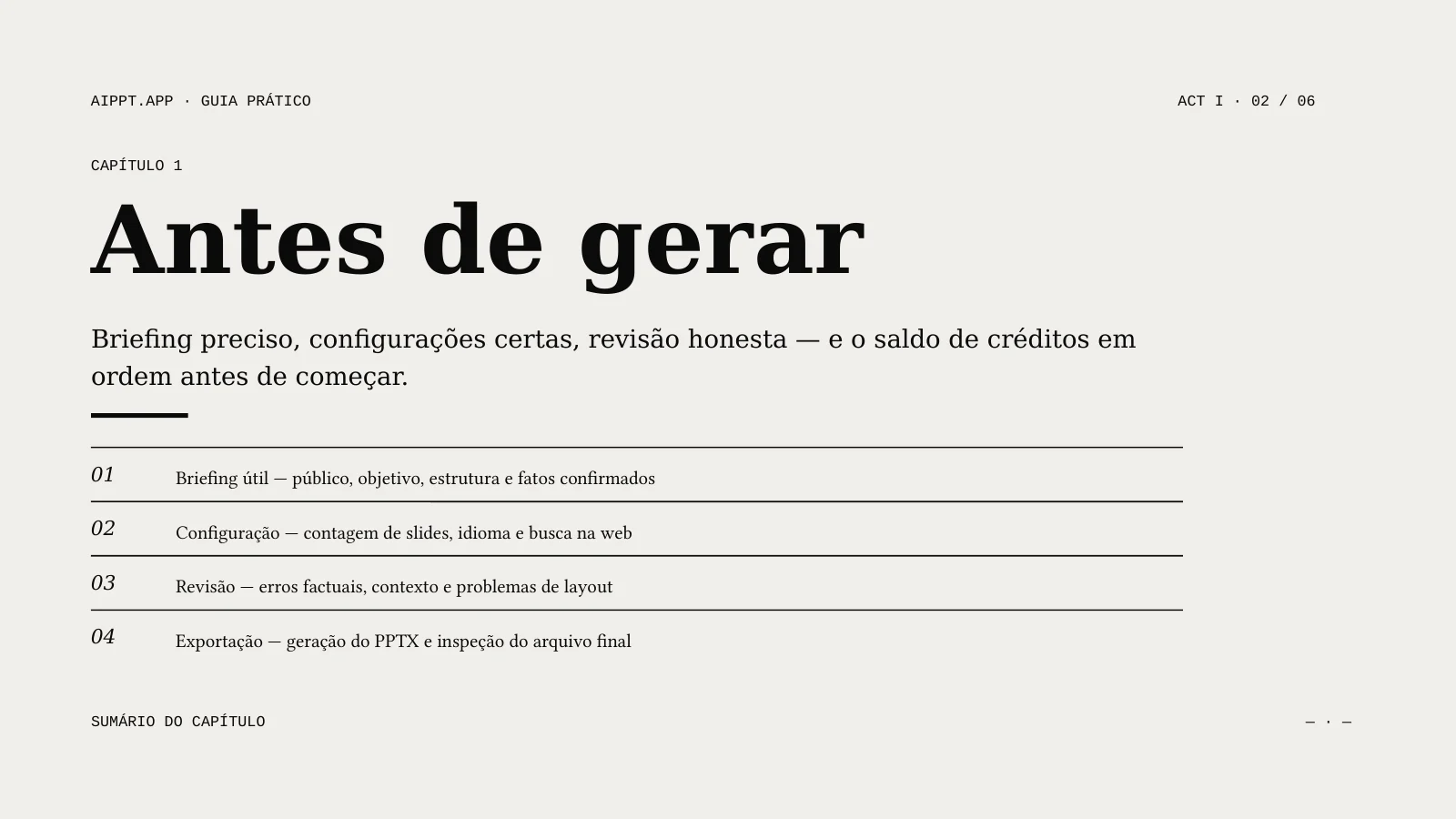
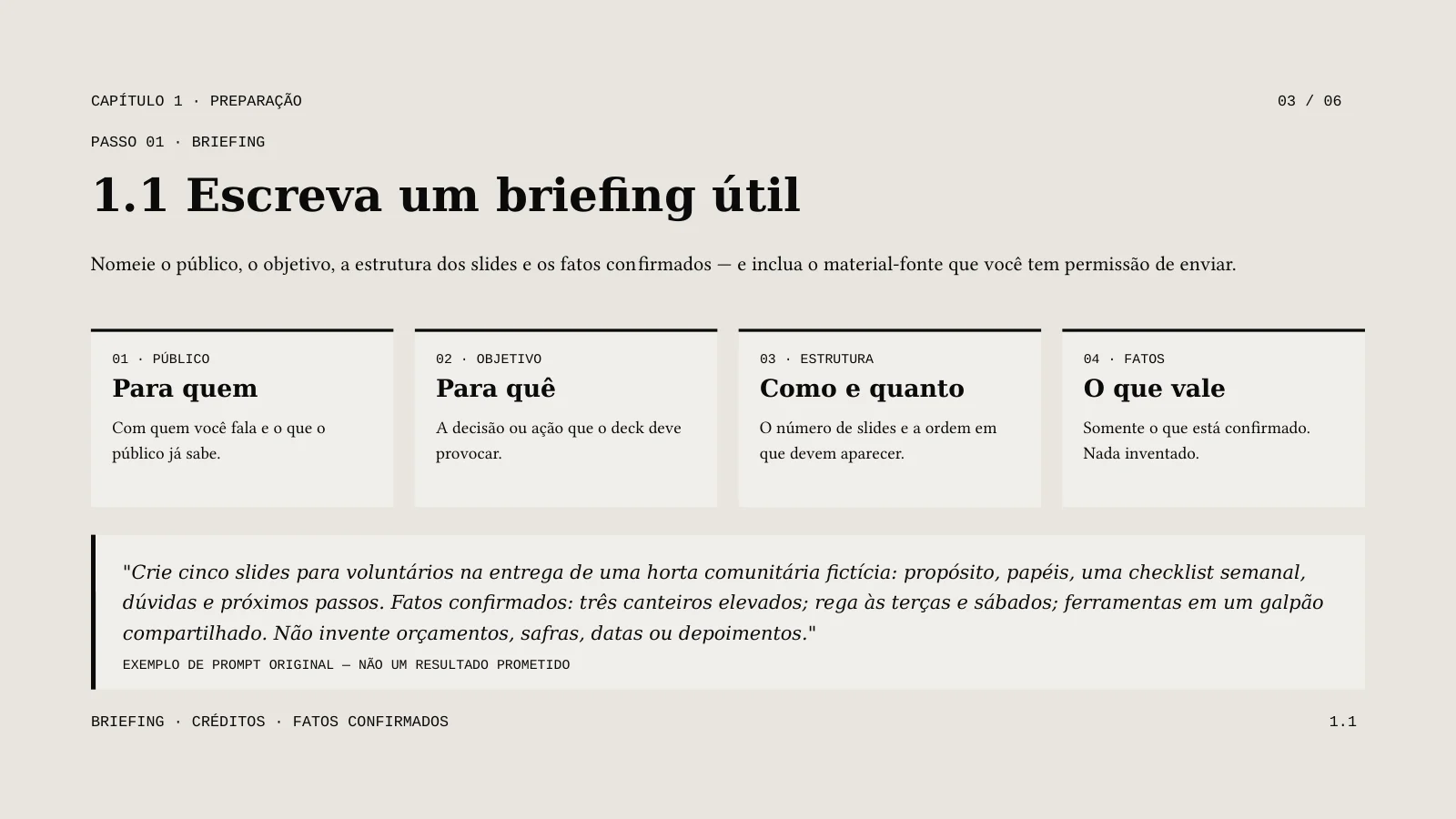
AI Agent · Sonnet 4.6 · Portuguese · 5 slides requested · no illustrations
A real generated example, shown in excerpt. Review the complete PPTX and compare it with the source before reuse.
Turn a public product guide into an onboarding draft. Verify each instruction against the live page before teaching it.
Use a public article you have permission to reuse. Keep the source link, check the main argument and add your own discussion questions.
Prepare a short internal overview from a public page. Verify current capabilities and remove navigation or promotional details that do not help the audience.
Enter the full address of an accessible public page. Login-only, unavailable or heavily scripted pages may not provide usable content.
Select the slide count, output language, model and any optional illustrations. Sign in, check the credits and submit once.
Compare the draft with its source. Correct content and layout, then open the downloaded file in your presentation software.
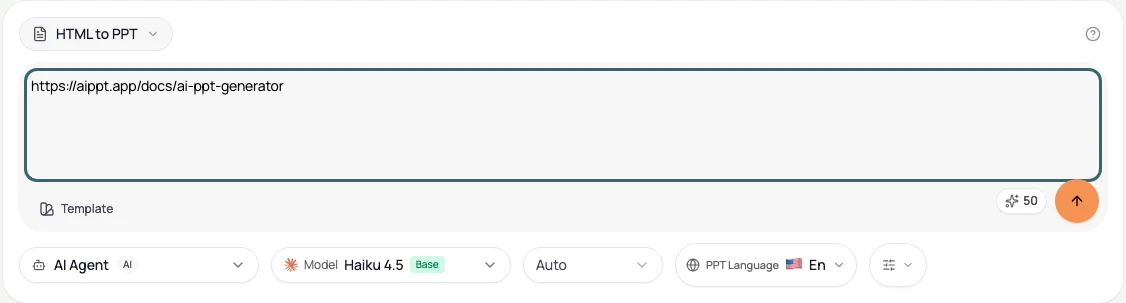
This entry uses a public URL and creates a new AI presentation; it does not promise to reproduce the site’s CSS, scripts or layout. This page has no HTML file-upload field. You can prepare a text source or use another linked document tool when needed.
Generation uses credits. Download eligibility is a separate account permission. Check both before starting; credits alone do not guarantee export access.
Yes. Choose the output language independently of the interface. Review terminology and phrasing for your audience.
No. This creates an AI draft that can summarize or reorganize material. Requested slide count is a target. Review the complete result rather than assuming a one-to-one conversion.