
Website previews
Place individual slides in a product page or project gallery. Add useful alt text and a text summary; image exports do not provide selectable slide text.
Your slides, outside the slideshow
Export each PPTX slide as a JPG for website previews, visual notes or a portfolio. Upload one presentation, inspect the images, then download them together as a ZIP.
Workflow illustration, not live progress. AIPPT.APP renders the slides on its server and returns static JPG files.
Two original English sample decks, converted with AIPPT.APP on 14 October 2026. Each contains two JPGs at 2561 × 1440 pixels. The web previews are smaller; the downloads are the original files.

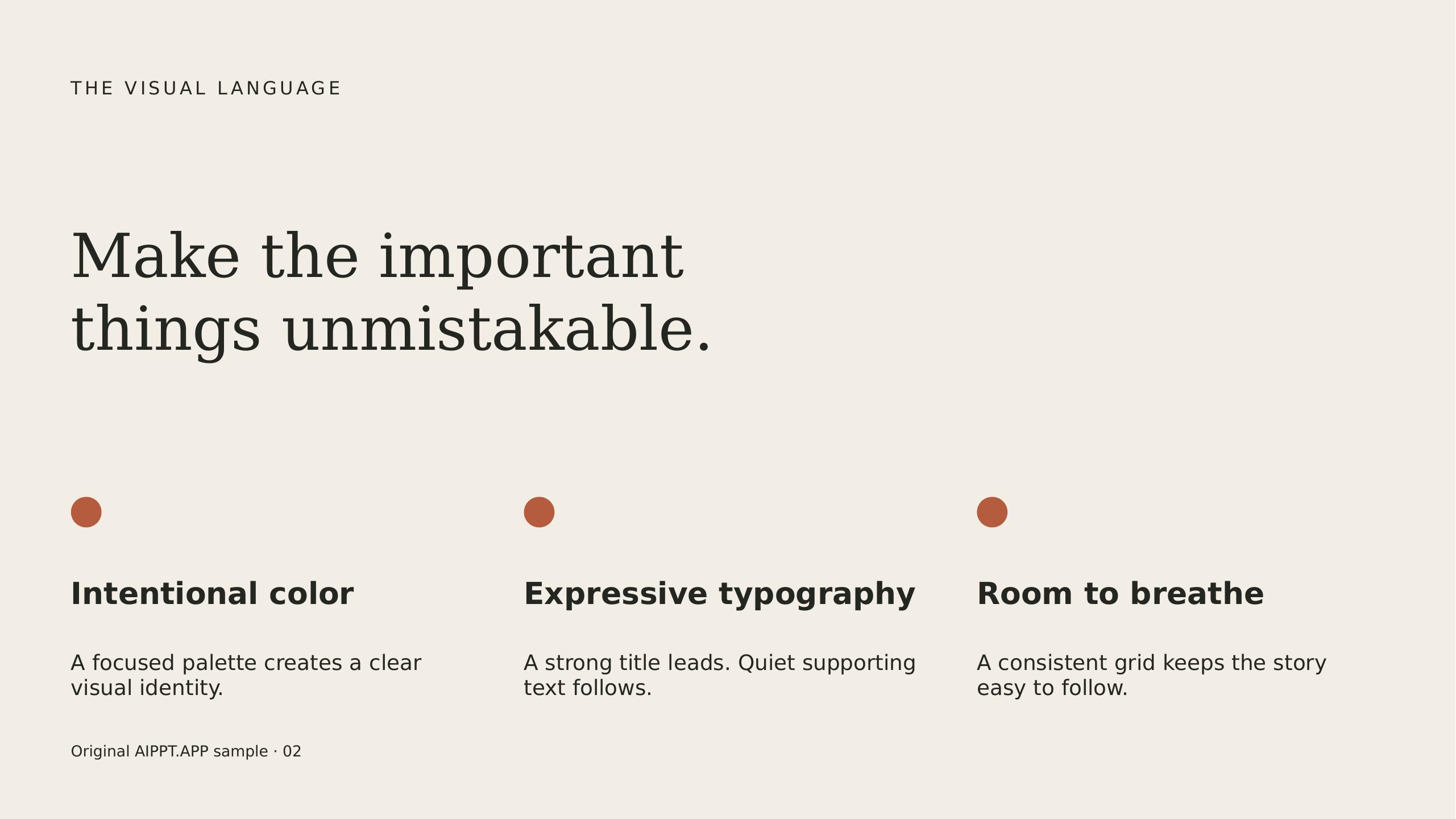
Compare the headline and the smaller text on slide two. Open the original JPG to check details at full size.
Place individual slides in a product page or project gallery. Add useful alt text and a text summary; image exports do not provide selectable slide text.
Insert a slide image next to your own notes in a document or study app. Keep the PPTX if you need to change a chart or edit the original text.
Use slides as visual material for a case study or post. Crop for the destination yourself; this tool does not automatically create square covers or social carousels.
Sign in and select one PPTX up to 50 MB. Save older .ppt files as .pptx in PowerPoint before uploading.
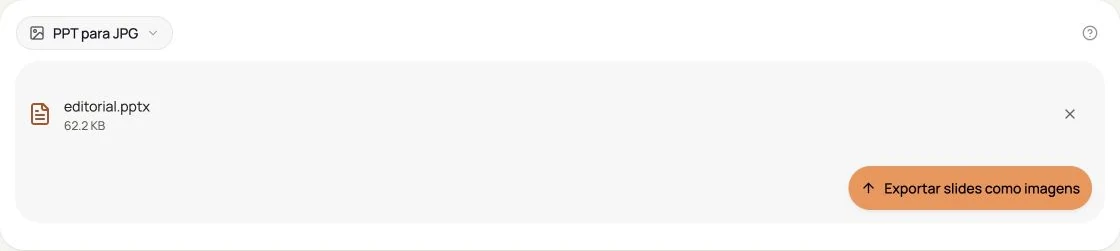
Start the conversion and wait for the result panel. Larger files and complex slides can take longer.
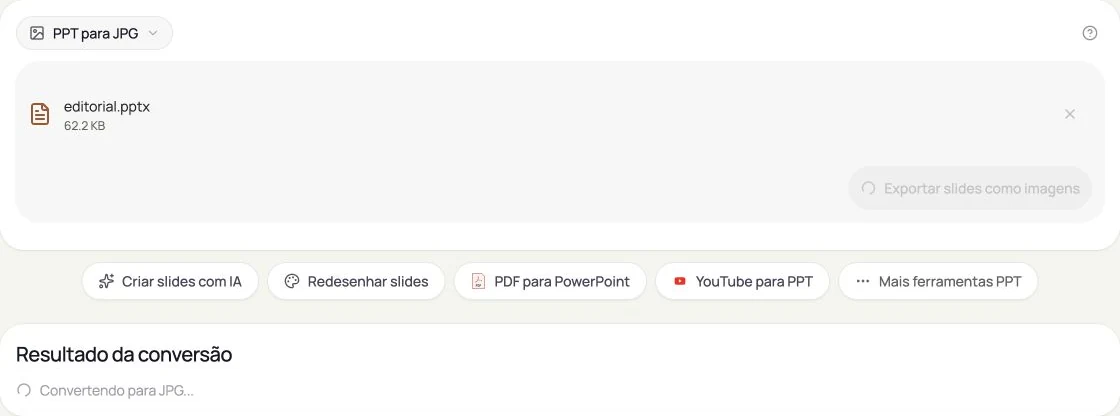
Review the image count and previews. Download the ZIP and unpack it to access slide-01.jpg, slide-02.jpg and the remaining slide images.
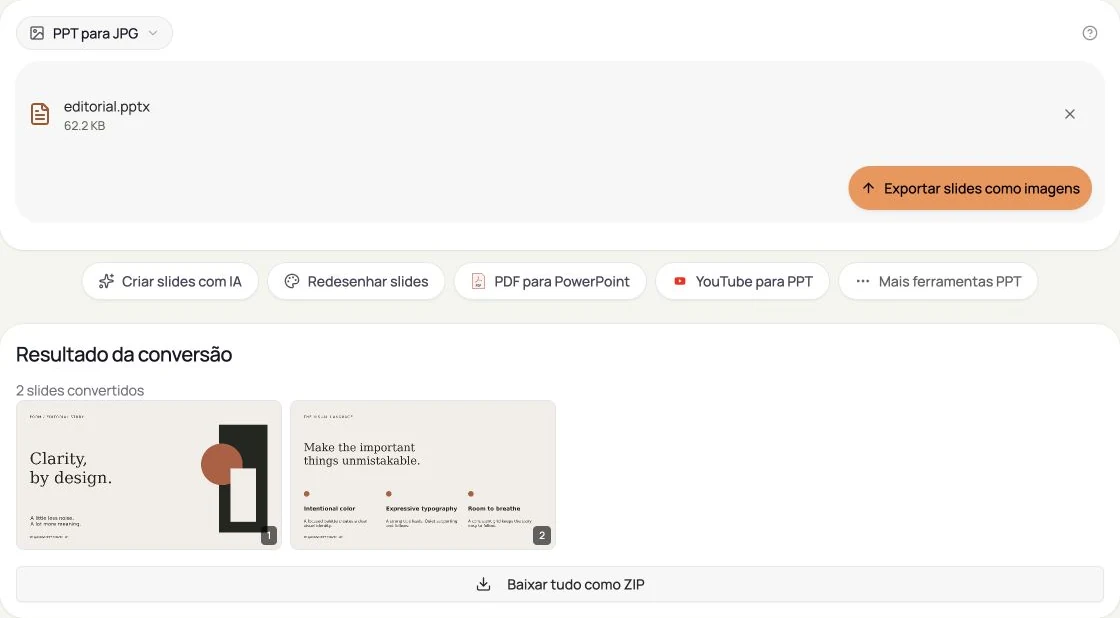
Actual AIPPT.APP interface in Brazilian Portuguese, captured on 16 October 2026 with an original English presentation and no customer data. Open a screenshot to enlarge it.
Text and charts become pixels, not editable objects. Animations, video playback, speaker notes and interactive links are not preserved as a slideshow.
JPEG compression can soften small text and sharp edges. Fonts missing on the server may be substituted. Check the original-size image before publishing.
The PPTX is uploaded to AIPPT.APP for server processing. Use files you are allowed to share with this service; data handling is described in the privacy policy.
The web tool is free after sign-in. Bearer API calls cost 1 credit per presentation, not per slide.
Upload one PPTX at a time, up to 50 MB. Legacy PPT must be saved as PPTX first. The output is JPEG, not PNG, SVG or a transparent-background image.
No. The current renderer calculates resolution from the source slide geometry. Our two sample decks export at 2561 × 1440 pixels; other page sizes can produce different dimensions.
Download the ZIP, unpack it and choose the JPG you need. You can crop the image in an image editor, but the slide text and shapes are no longer editable objects.
The web interface processes one PPTX at a time. It exports the slides within that file together. API integration is available for your own automated file workflow.
Check that the PPTX is valid, under 50 MB and that you are signed in. Try a small sample; if it succeeds, inspect your original file for damaged or unsupported content.