
A client proposal
Explain the offer in language your client understands. Check promises, figures and delivery conditions against the approved proposal.
FROM SLIDE TO SPOKEN WORD
Start with your slides. Get a draft to review, make it sound like you, and rehearse before presenting.
One modern PPTX · Up to 50 MB
Your PPTX is rendered as a static PDF for analysis.
The model is asked for explanations and useful transitions.
Check the source, adapt the wording and practise aloud.
Illustrative process. The indicator is not live generation progress.
Use the editorial sample to explore how a short slide can become a spoken explanation.

AN AUTHORED OPENING TO ADAPT
“Clarity, by design” gives us the starting point. Rather than reading every word on the slide, explain the main idea in your own terms. Point to one visual choice, say why it matters, then pause before moving on.
Explain the offer in language your client understands. Check promises, figures and delivery conditions against the approved proposal.
Turn a dense slide into an explanation you can teach. Add your own examples and check definitions before rehearsing.
Use confirmed metrics and a clear next step. Review names, dates and chart labels against the original deck.
Choose the website language first, then upload one authorized PPTX of up to 50 MB. Save older PPT files as PPTX in PowerPoint.
Start once and wait for the text to finish. An error or incomplete draft needs attention before you use the notes.
Check every slide, then copy the finished notes. Paste the relevant text into PowerPoint’s notes pane manually and rehearse aloud.
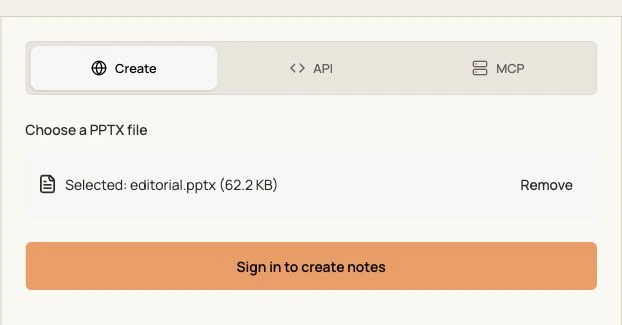
Use a modern PPTX, up to 50 MB. An older PPT must be opened and saved as PPTX first; renaming its extension does not convert it.
It creates text notes, not a voice recording. The source PPTX is not rewritten with those notes; review and paste them into your presentation manually.
The website language is sent with the request. The model is asked to write in that language even if the source slides use another language. Check the draft before delivery.
Sign-in is required. This speaker-notes endpoint currently does not deduct PPT credits. Other generation and export tools have their own access and credit conditions.
Generated text, source filename and task records are saved to your account history. Do not assume immediate deletion or upload material you are not allowed to process.