
A report for a discussion
Use a report you can share as the source for a shorter meeting deck. Check figures, sources and any caveats lost in the summary.
A readable PDF. A new presentation.
Use an existing PDF as the source for a new presentation. AIPPT.APP summarizes and arranges the content; you review meaning, omissions and layout before sharing.
Sign-in and generation credits are required. Review the estimate and your plan’s download access before starting.
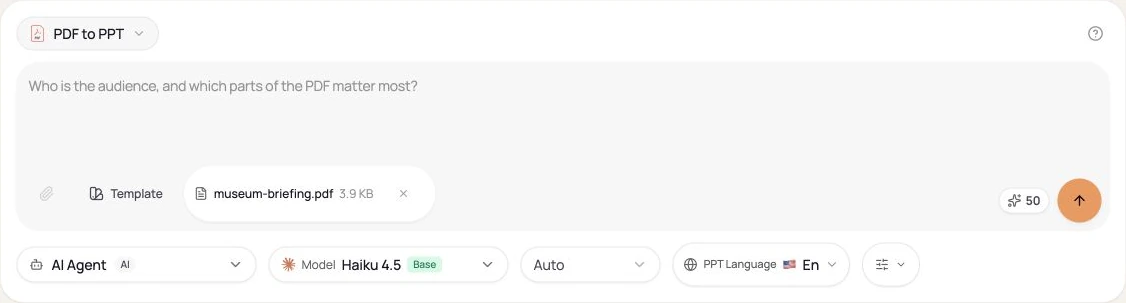
Choose a nonempty PDF within 50 MiB. Start with selectable, readable text. Check the page order and include the sections you want the presentation to cover.
AI selects and groups content for a new presentation.
Check the draft in the workspace, then export when your account allows.
Workflow illustration, not a live task or an estimate of processing time.
An original two-page English museum volunteer PDF becomes a Portuguese slide draft. The input has selectable text; the output is a newly organized presentation.
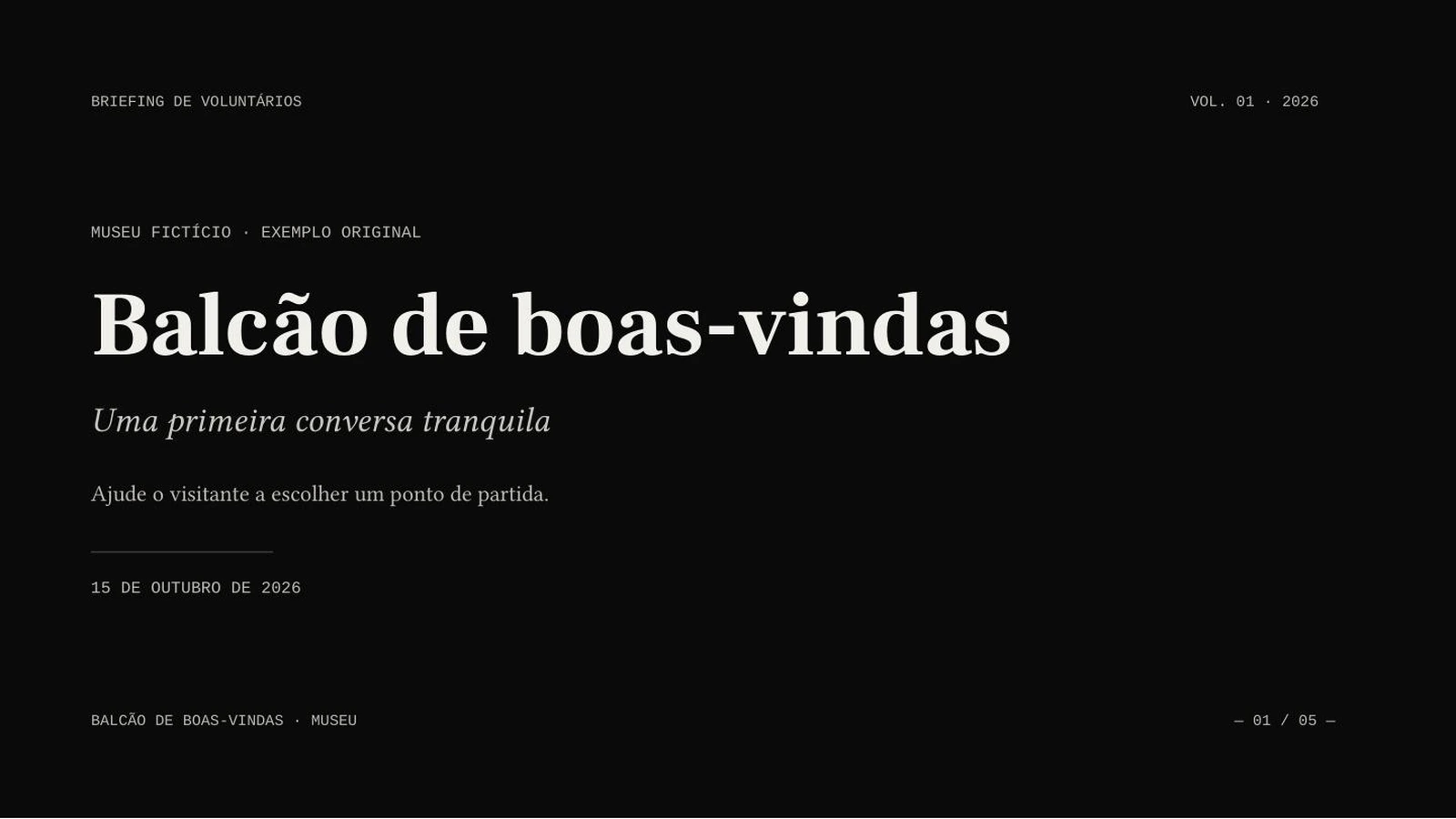
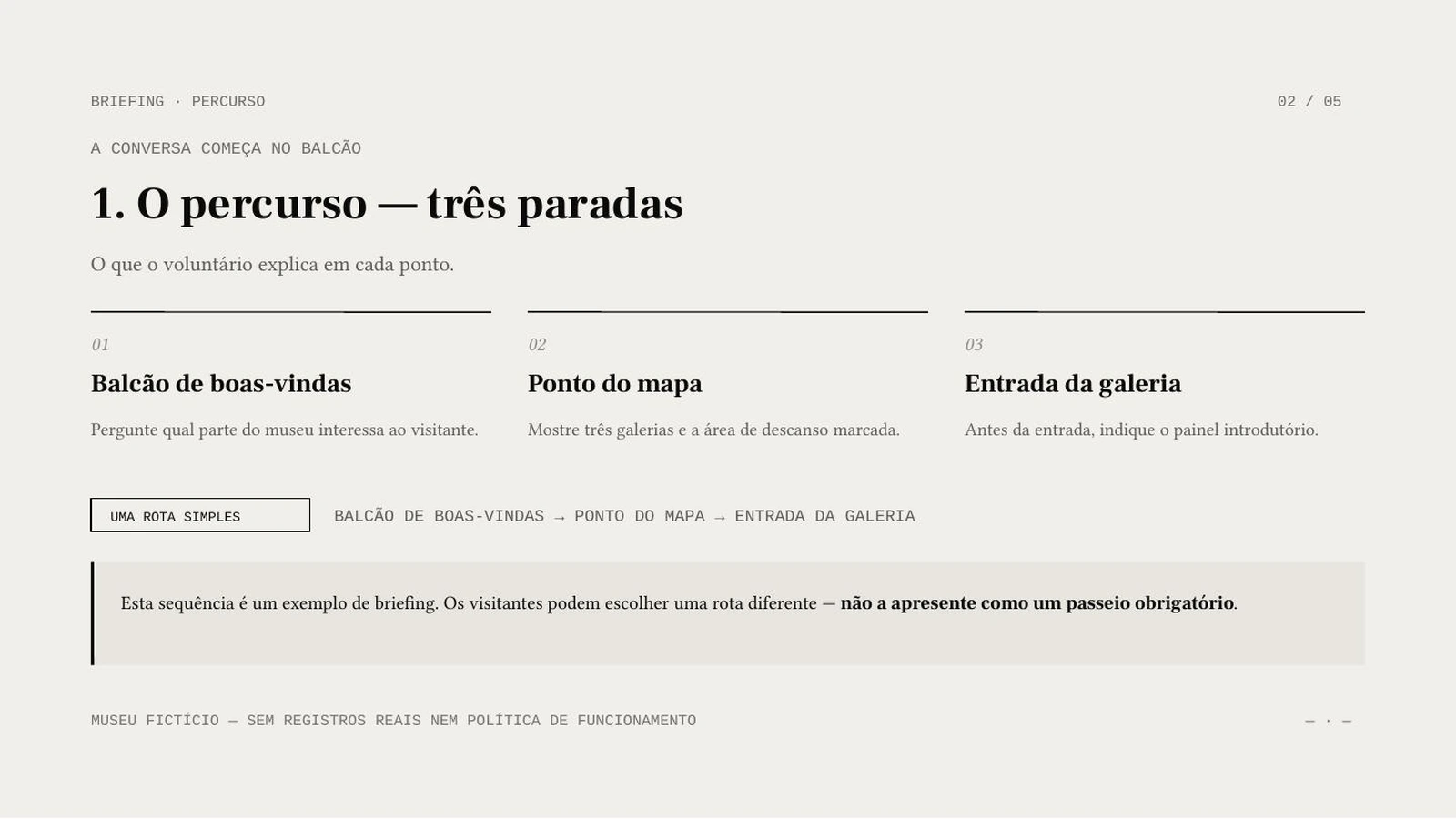
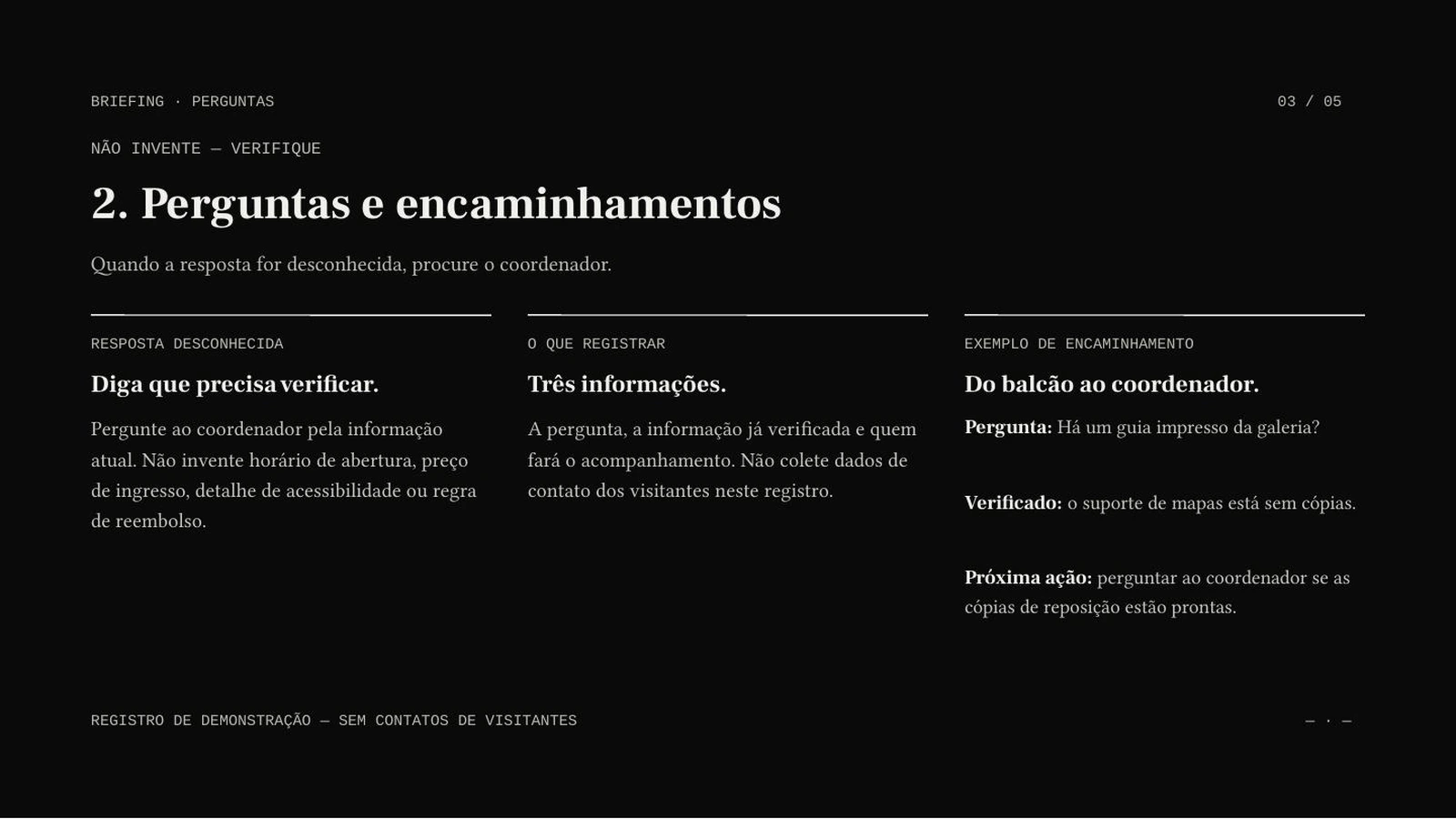
AI Agent · Sonnet 4.6 · Portuguese · 5 slides requested · no illustrations
Real generated output, shown in excerpt. This demonstrates a readable text PDF. It does not demonstrate OCR, recovery of password-protected files or exact reproduction of every source page.
Use a report you can share as the source for a shorter meeting deck. Check figures, sources and any caveats lost in the summary.
Turn your own PDF handout into a teaching draft. Add the learner level and the concepts that should stay together.
Explain roles and a simple process from an existing guide. Keep unknown answers and unresolved decisions explicit.
Choose a nonempty PDF within 50 MiB. Start with selectable, readable text. Check the page order and include the sections you want the presentation to cover.
Select the slide count, output language, model and any optional illustrations. Sign in, check the credits and submit once.
Compare the draft with its source. Correct content and layout, then open the downloaded file in your presentation software.
No guarantee of either. It creates an AI draft that can reorganize content. The public example uses a readable PDF with selectable text. Scanned pages, unusual layouts and protected files may need preparation or a different extraction method first.
Generation uses credits. Download eligibility is a separate account permission. Check both before starting; credits alone do not guarantee export access.
Yes. Choose the output language independently of the interface. Review terminology and phrasing for your audience.
No. This creates an AI draft that can summarize or reorganize material. Requested slide count is a target. Review the complete result rather than assuming a one-to-one conversion.