
A good presentation starts with a useful source and a clear decision about what the audience needs. This guide follows one workflow from source preparation to a checked PPTX. It does not assume that uploading a file automatically preserves its structure or that every generation has the same duration.
1. Prepare a source you can verify
Keep headings, factual statements and supporting numbers together. Remove irrelevant appendices and personal information you do not want to upload. For tables, retain column labels, units and calculation notes. If an item has not been decided, write that explicitly rather than leaving the model to infer it.
Use the tool that matches the input: Word, Excel, PDF, plain text or Markdown. The available upload limits and accepted formats are shown in each generator.
2. Write a brief with boundaries
Specify the audience, purpose, output language and requested slide count. List facts that must be retained, and tell the model not to invent results or resolve open questions. For example: “Create five slides for a volunteer handoff. Keep the three confirmed tasks. Mark the rota as undecided. Use only this source.”
Choose the style, model and image options deliberately. If the source is sufficient, leaving web search off helps keep the draft focused on it. This setting does not remove the need for factual review.
3. Compare the result with the source
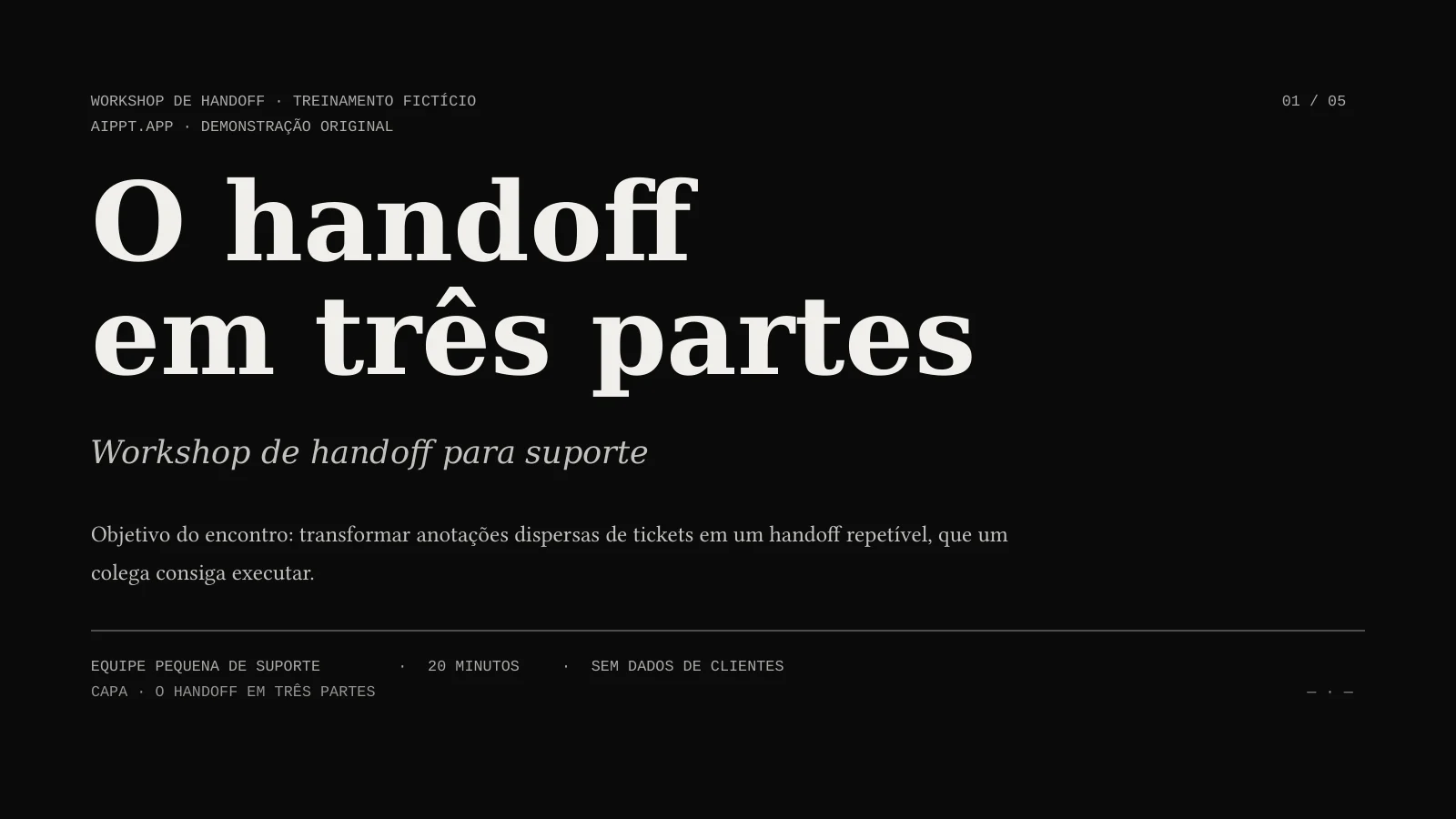
Original workshop notes and the actual five-slide PPTX form a checkable example. The input is in English; the output is in Brazilian Portuguese. A source language need not be the presentation language.
Read the whole deck, not just its cover. Check what was omitted, whether a tentative statement became a claim, and whether a table or percentage changed meaning. Correct supported text in the workspace or request a focused revision. Image-based slides require different editing expectations because their text is part of the image.
4. Export and inspect the file
Export when the content is ready, then open the PPTX in PowerPoint or your chosen presentation application. Check line wrapping, fonts, figures and any features you depend on. Test the actual presentation setup before a meeting.
For an existing deck, PPT redesign addresses a different starting point; it is not the same operation as drafting from notes. Speaker notes can support rehearsal, but the speaker still needs to check terminology and timing.
Before you start
Confirm the current model and image options, your credits and download eligibility on the pricing page. Generation time depends on the input, requested output, model and service state. Use the documentation for the current steps and troubleshoot the specific state rather than repeatedly submitting the same task.