
A presentation can be a useful style reference without being a template you want to copy. PPT Reverse Prompt analyzes the visible design of a PPTX and turns observations into a design prompt. Use the result as a starting brief for new slides, then check it against the source.
What the tool analyzes
The current workflow accepts modern PPTX files up to 50 MiB and requires sign-in. It renders the uploaded presentation for visual analysis. The AI infers characteristics such as palette, typography, composition and recurring layout patterns from the rendered pages.
This is visual interpretation, not a deterministic inventory of every PowerPoint object. A font name or color value in the response can be an estimate. Hidden content, speaker notes, animations and interactive behavior should not be assumed to appear in the analysis.
Follow the source-to-prompt workflow
- Upload a PPTX you are allowed to use and analyze.
- Run the analysis and read the resulting style notes.
- Compare those notes with representative slides, including layouts beyond the cover.
- Edit the prompt to separate reusable design choices from the original subject and branding.
- Try the brief on a small new presentation and review the result before using it more broadly.
The analysis produces a prompt; it does not export a recreated presentation as part of that same action.
Inspect the actual reference
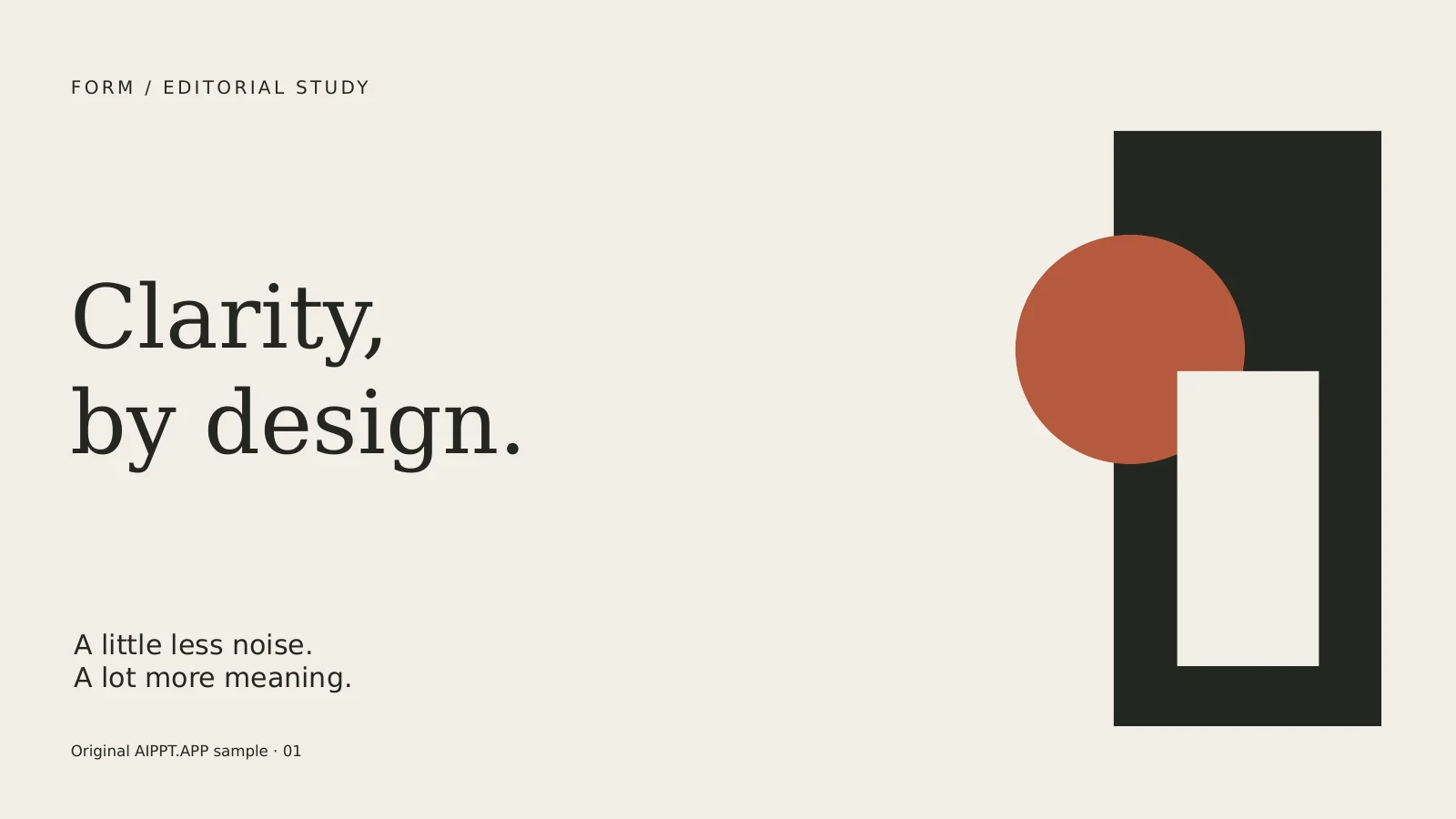
The original reference PPTX is available for comparison. This image shows the source design, not a claimed AI recreation. The feature page also includes real interface screenshots for upload, analysis and the prompt result.
Make the brief useful for a different topic
Keep rules that can transfer: a restrained palette, relative type hierarchy, whitespace and the relationship between a headline and supporting material. Replace names, logos, product claims and topic-specific examples. Check exact brand colors and fonts yourself if they matter.
A design team can use the notes to discuss a visual direction. An agency can use an authorized client deck to clarify preferences. A teacher can turn a familiar layout into a brief for a different lesson. None of these uses makes the generated description a verified brand manual.
Review the next presentation too
Paste your revised brief into AI presentation generation with the new topic, audience and output language. Different models and slide workflows may interpret the same prompt differently. Compare the resulting slides and exported file with the requirements you actually need. See the documentation for the current product workflow.